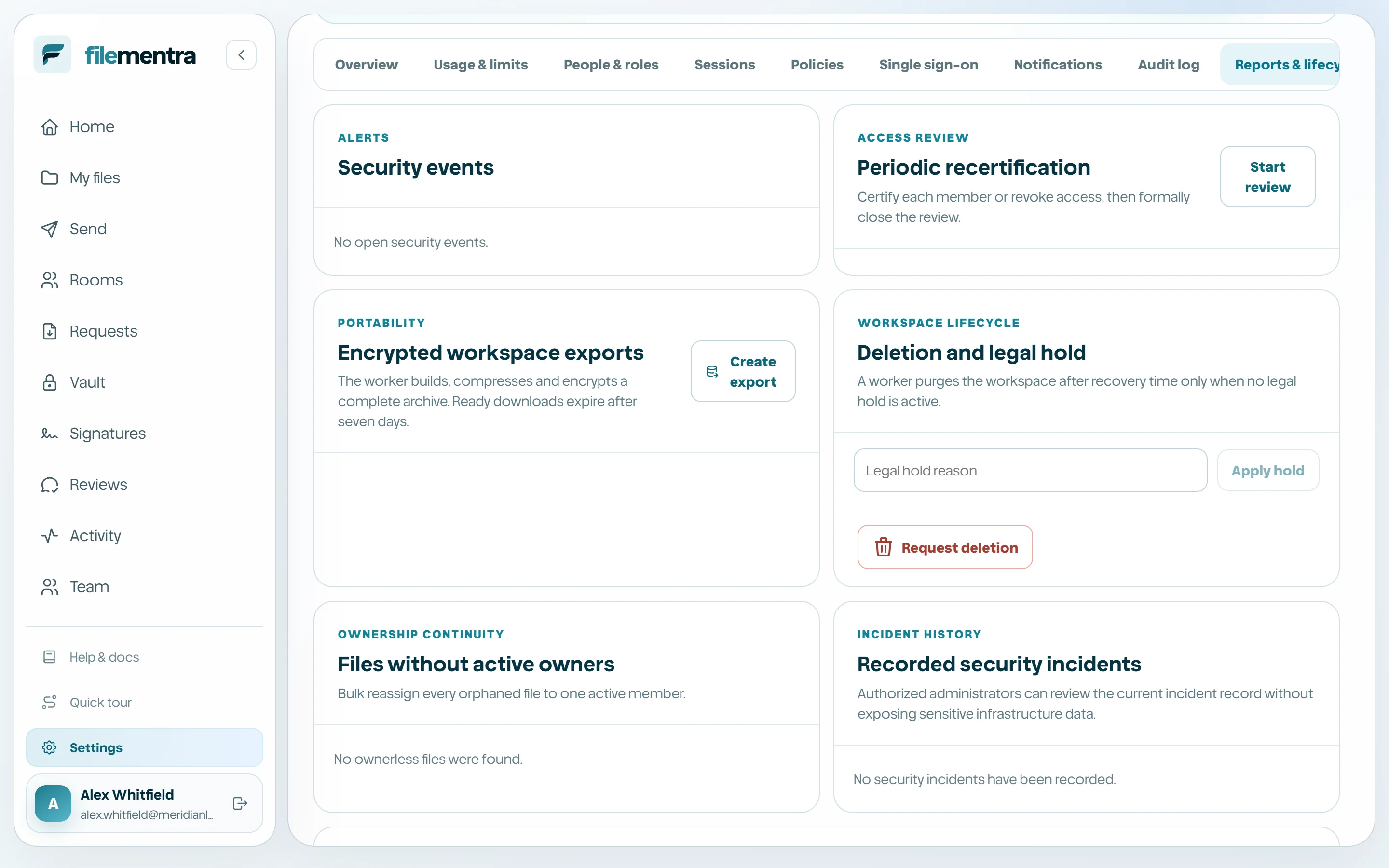
Security Center and workspace policies
Review workspace posture, control sensitive access, investigate alerts, and manage protected lifecycle operations.
Open Security Center and unlock admin actions
Security Center is the protected administration surface under Settings. Its overview summarizes members, MFA coverage, active sessions, alerts, policy posture, and recommended next actions. Read access and mutation access are deliberately different: sensitive changes require an authorized role and may require a fresh step-up. Step-up asks for your password, and for the code from your authenticator app if you have two-factor authentication turned on.
- 1
Open Settings from the workspace sidebar.
- 2
Review the posture cards and recommended actions.
- 3
Choose Unlock admin actions when a protected change is necessary.
- 4
Complete the step-up challenge yourself; never ask another person to approve with your credentials. A recovery code works in place of the authenticator code if you no longer have the device.
- 5
Allow elevated access to expire when the task is complete.
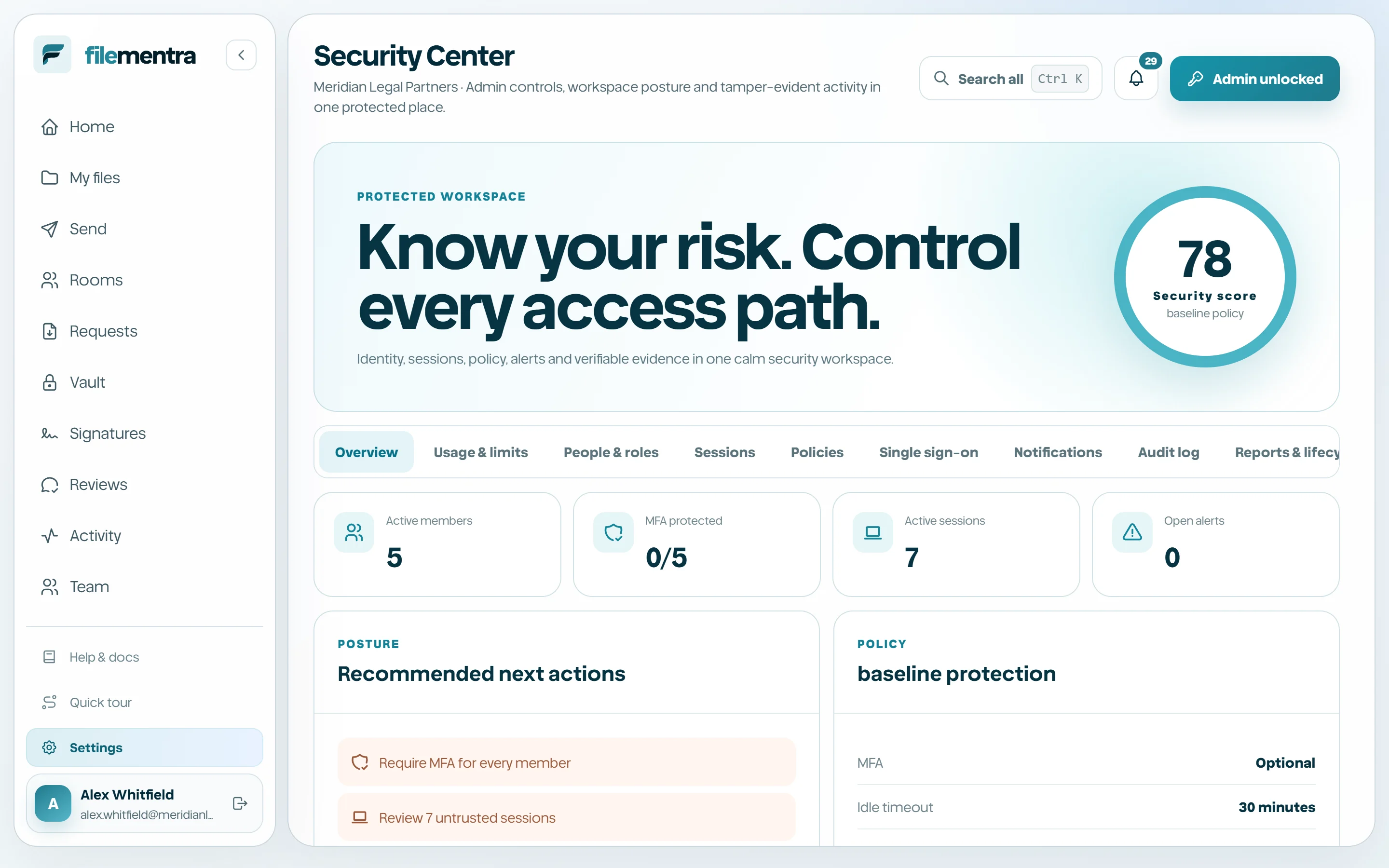
Manage people, sessions, and workspace policies
People & roles provides the security-focused view of member status and role assignment. Sessions lists active account sessions so suspicious or obsolete access can be revoked. Policies applies a consistent workspace baseline for authentication, sharing, retention, and other controls exposed by the current plan.
- Use Team for routine invitations and member management; use Security Center when reviewing risk and privileged access.
- Revoke an unfamiliar session before rotating credentials and documenting the incident.
- Apply the least-privilege role and review exceptions regularly.
- Treat policy changes as workspace-wide changes and communicate their user impact.
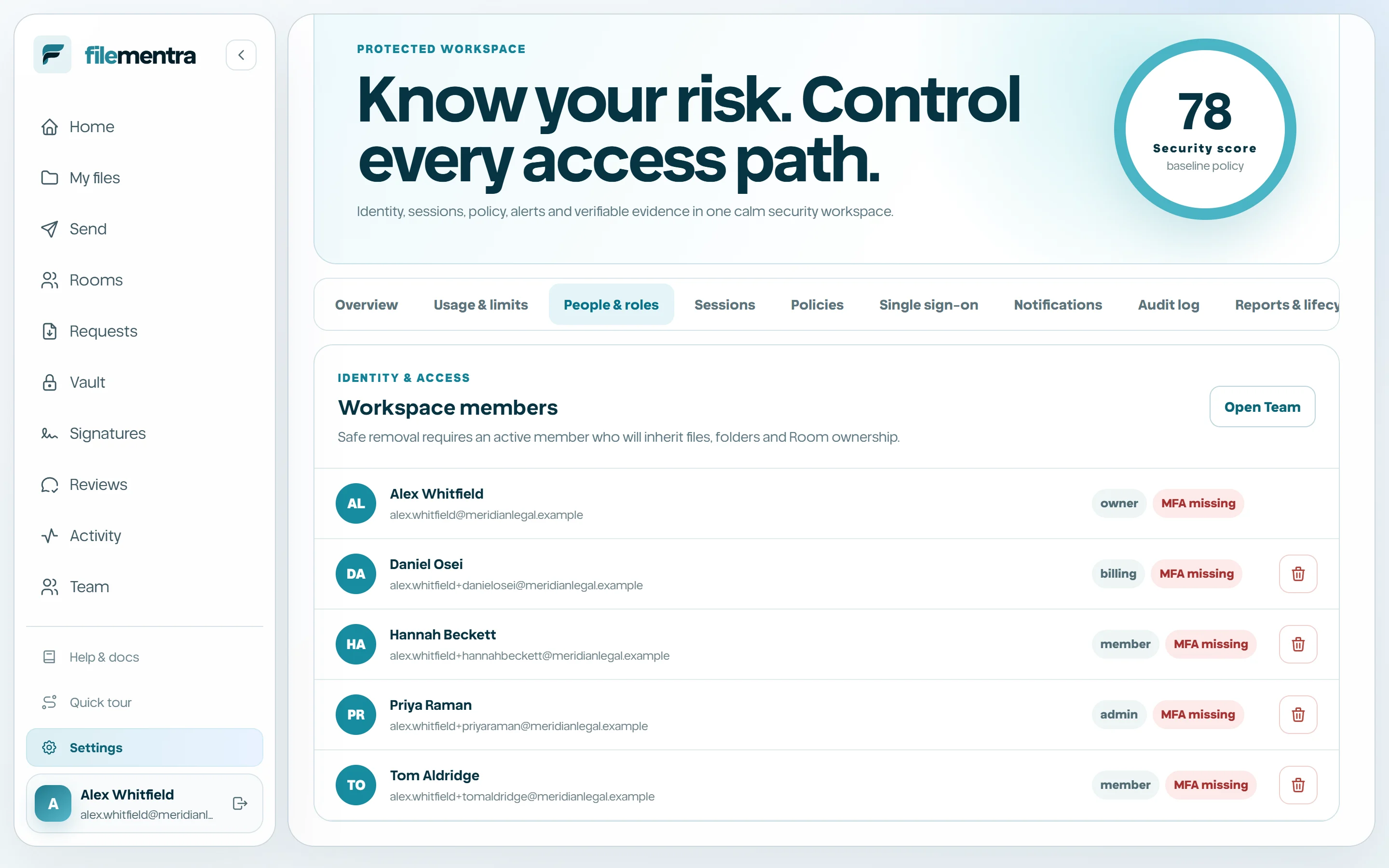
Configure notifications and investigate the audit log
Notification policies determine how relevant workspace events reach users. The Audit log records material actions with actor, target, time, result, reference identifiers, and tamper-evident record metadata where available. Use narrow filters and follow related references rather than relying on a screenshot alone.
- 1
Choose the relevant event category and delivery preference.
- 2
Open Audit log for an investigation.
- 3
Filter by the smallest useful time range, actor, or resource.
- 4
Inspect reference ID and record hash where shown.
- 5
Export evidence only when authorized and protect the export under the same policy as its source.
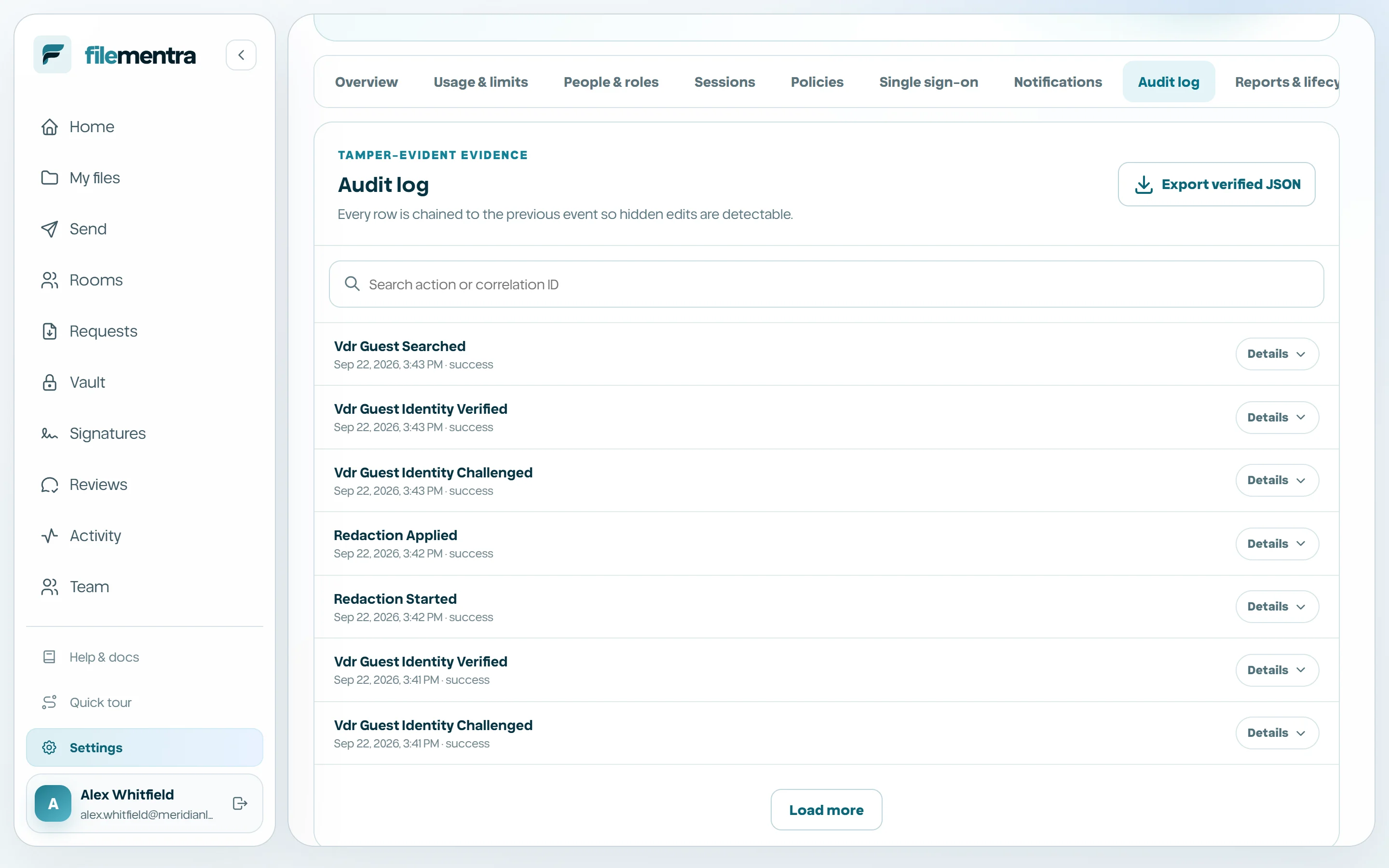
Use reports, lifecycle operations, and scoped access
Reports & lifecycle collects periodic recertification, encrypted workspace exports, deletion and legal-hold controls, unowned-file checks, security incidents, and scoped API access. These are exceptional operations, not everyday file management. Ownership transfer should be completed before member removal or workspace deletion.
- Run access recertification on a defined schedule.
- Store encrypted exports outside the production workspace and test restoration procedures.
- Resolve legal holds before destructive lifecycle actions.
- Create API keys with the smallest scope and rotate or revoke them when their integration ends.
- Record security incidents with an accountable owner and resolution evidence.