Privacy, data export, and account deletion
Request a personal export, understand processing, and safely schedule account deletion.
Download your data
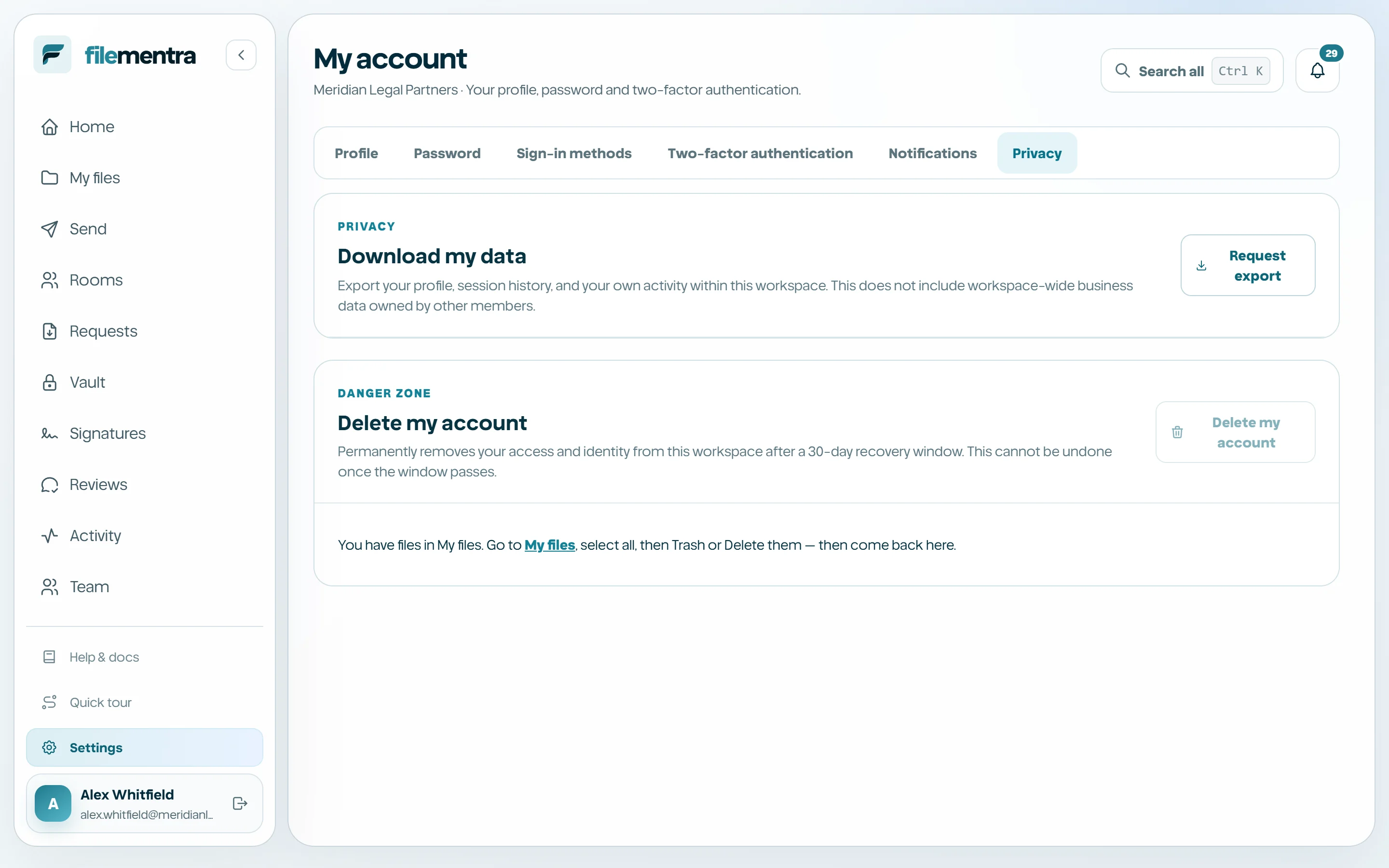
Request a personal export from Account → Privacy. Export generation is asynchronous and produces a time-bounded authorized download when ready. The export reflects the defined personal scope and does not bypass other people's or another tenant's access controls.
Schedule account deletion
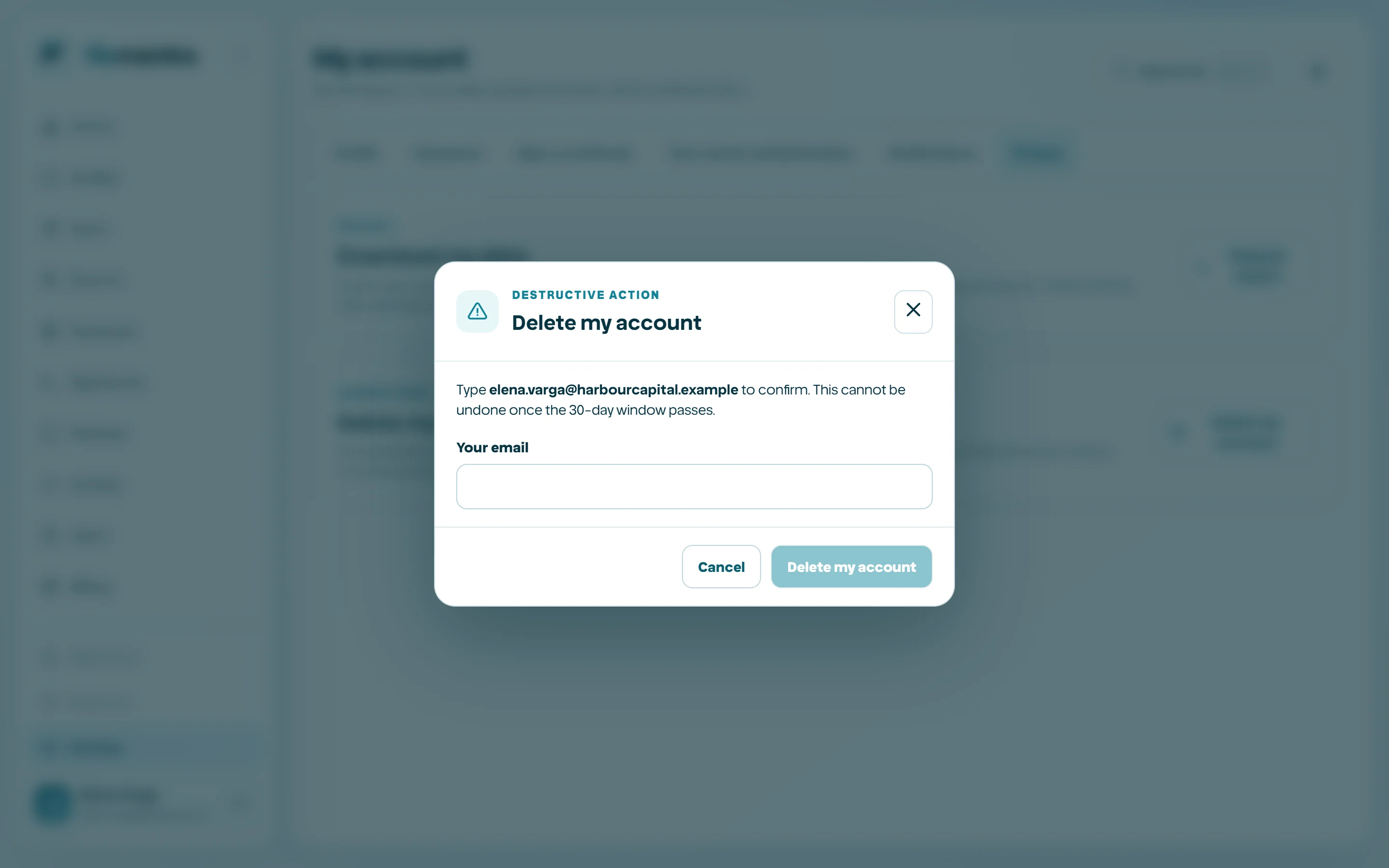
Account deletion uses a confirmation flow and grace period. It may be blocked or require reassignment when the user owns workspace resources, and legal hold or retention may preserve required records. Cancelling during the allowed period restores the request state, not necessarily every separately revoked credential.
- 1
Export data you are entitled to retain.
- 2
Transfer business ownership where required.
- 3
Read the deletion scope and timing.
- 4
Confirm with the required credential.
- 5
Cancel before the deadline only if deletion should not continue.