The signer's experience
What a recipient sees, how their identity is confirmed, and what is recorded at each step.
Proving who is signing
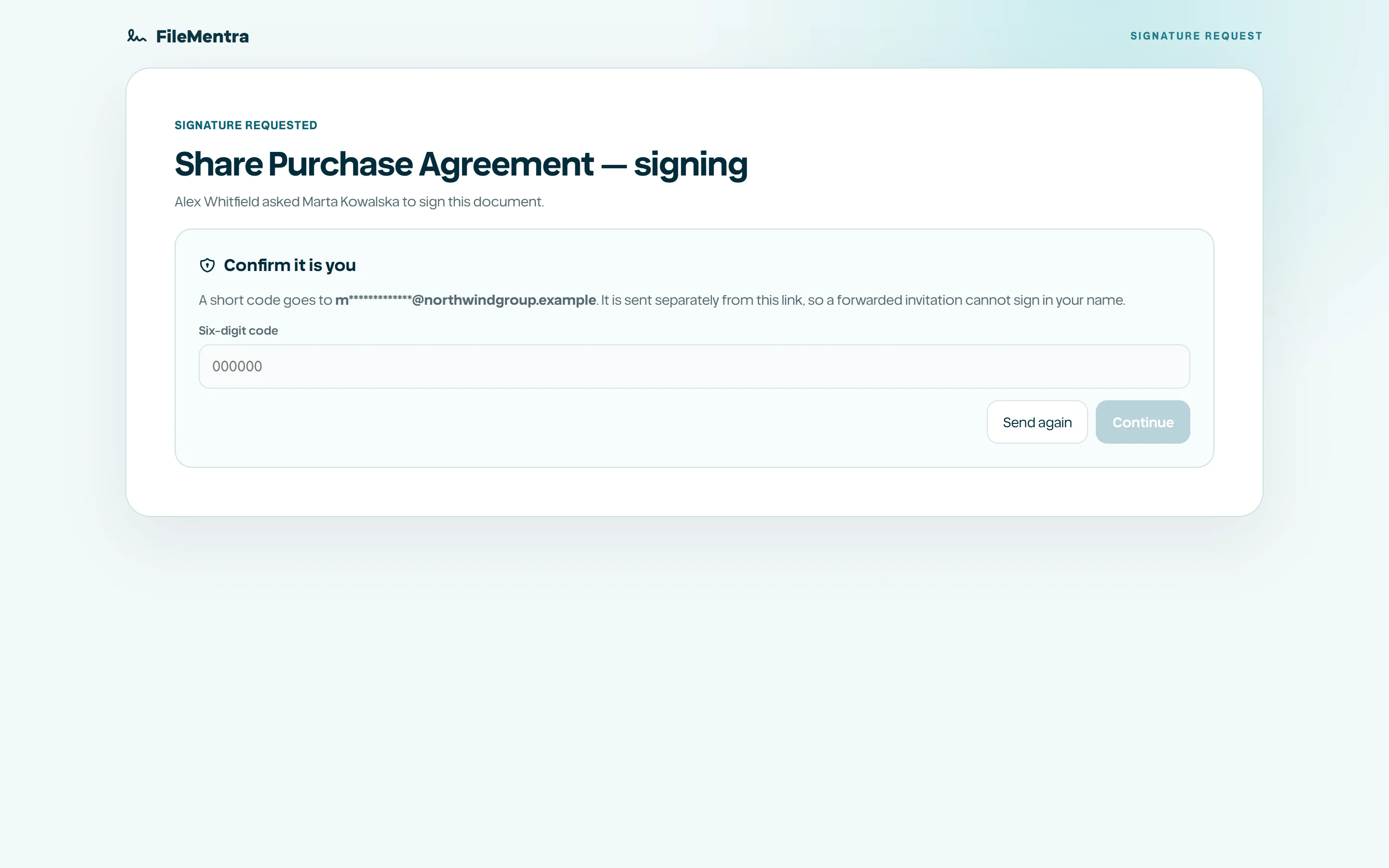
The signing link is opaque and stored only as a digest, so possession of the link alone is not treated as identity. Before the document opens, FileMentra emails a one-time code to the recipient address on the envelope and requires it back. The document is withheld until that check passes.
Consent, then sign
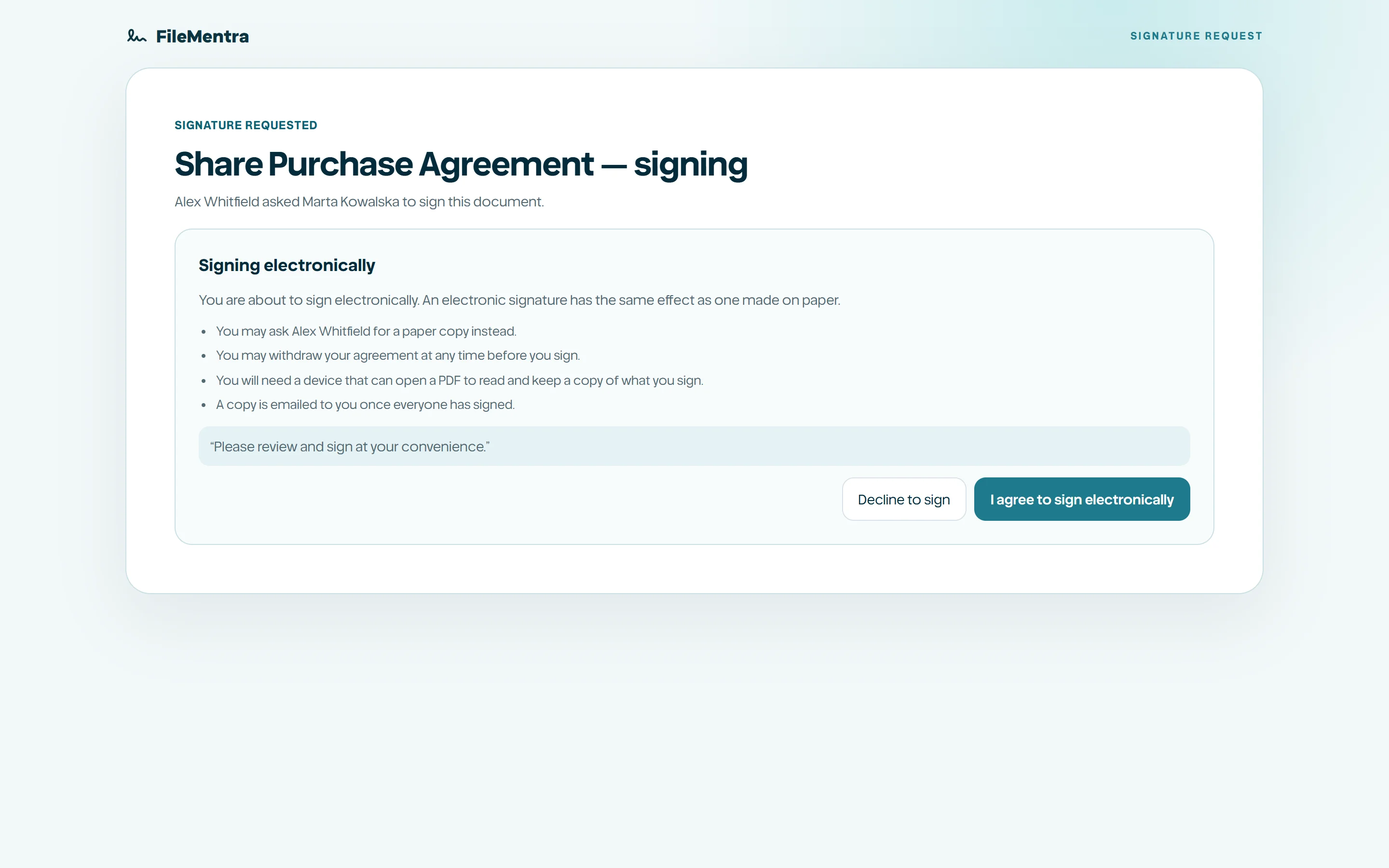
Electronic signing law asks for three separate things: agreement to transact electronically, attribution of the signature to a person, and the act of signing itself. FileMentra records them as three separate events rather than inferring all of them from one click, because they are separately provable.
The signer agrees to sign electronically, completes the fields assigned to them, and submits. A signer who should not sign can decline with a reason, which ends the envelope for everyone rather than leaving it open.
- 1
Open the link from the notification email.
- 2
Enter the one-time code sent to the recipient address.
- 3
Accept the electronic signature disclosure.
- 4
Complete every required field.
- 5
Submit the signature, or decline with a reason.
- The same person cannot sign the same envelope twice.
- An expired, voided, or already declined envelope refuses further signing.
- Each step appends to an append-only evidence chain.