Vault documents, guests, and NDA
Add locked protected copies, publish new versions, invite recipients, and collect NDA evidence.
Add documents
Adding a document copies its current private version into the dedicated VDR bucket and applies configured retention and legal-hold controls. Later changes to the ordinary Drive file do not silently replace that locked Vault copy: when the file has a newer version in Drive, the document says so, and publishing it is a deliberate step (see Running the deal).
- 1
Choose the approved Drive file and version.
- 2
Set document classification and any narrower download/print overrides.
- 3
Add it to the intended Vault location.
- 4
Confirm retention and legal-hold status.
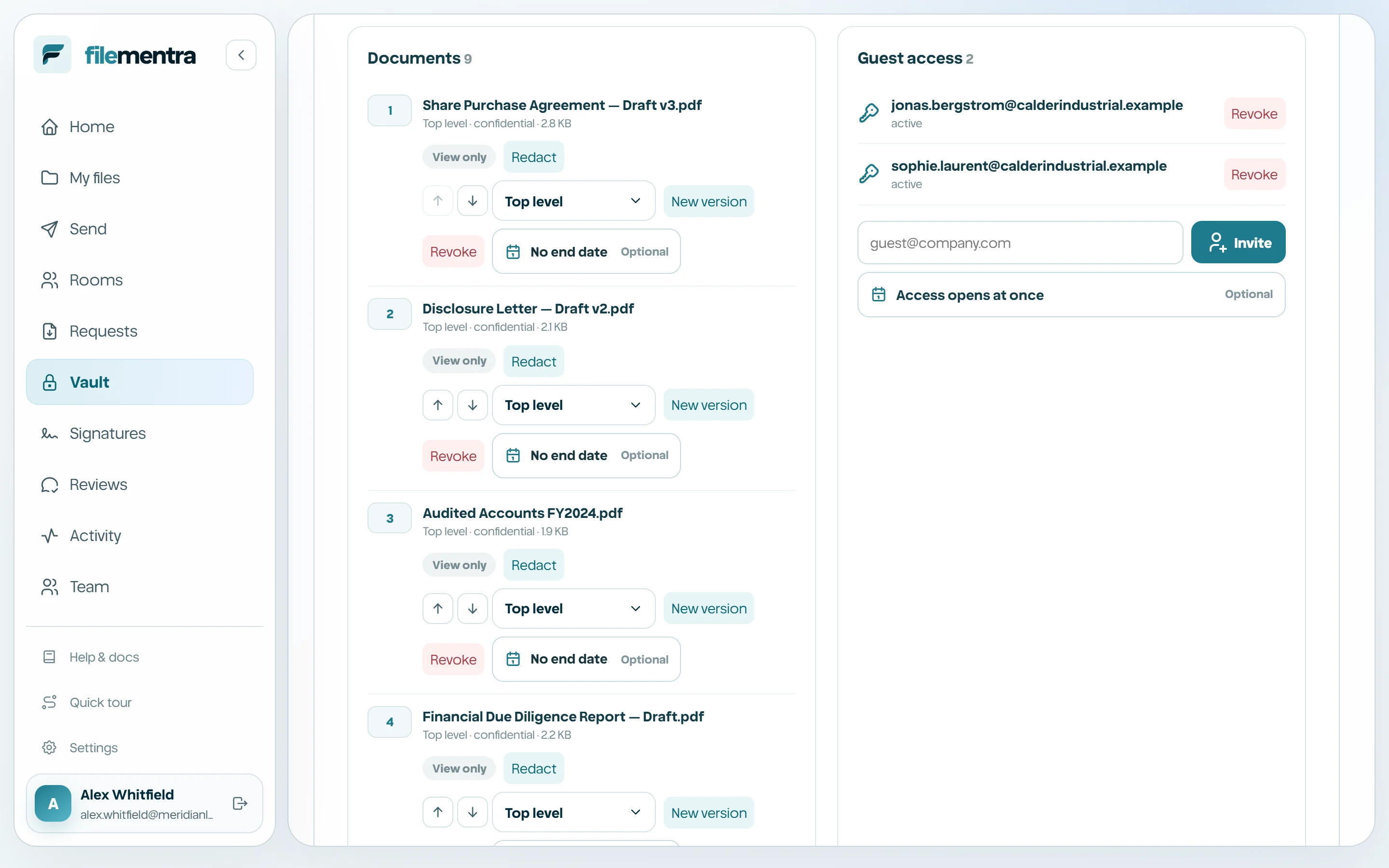
Invite guests and capture NDA acceptance
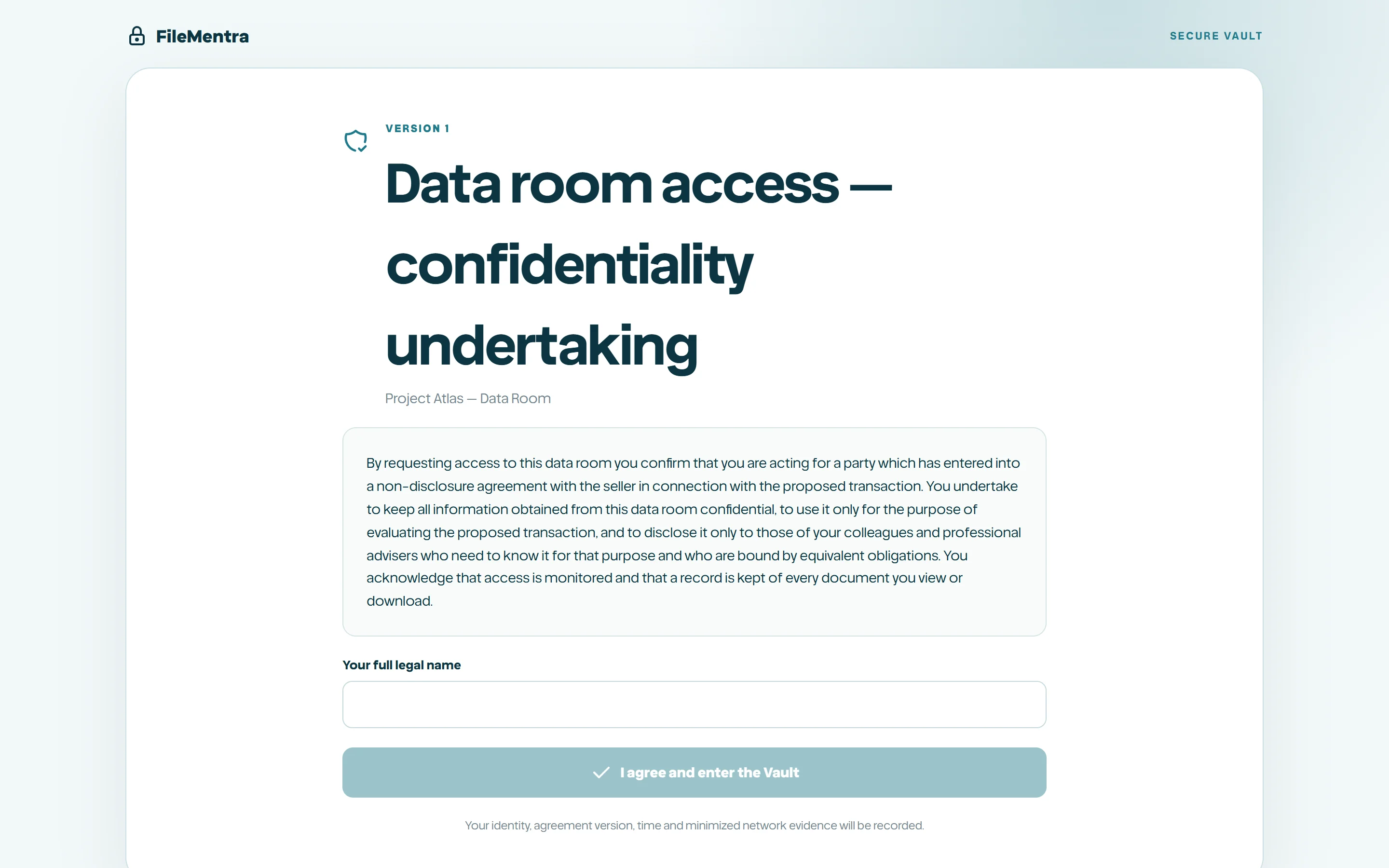
Guests receive an opaque Vault invitation. Before protected content opens, FileMentra enforces email/domain/network/expiry policy and records acceptance of the exact NDA version. Evidence binds the displayed name, email, text hash, timestamp, and minimized device/network digests.
Instead of the click-through, the room's policy can name an NDA PDF from Drive. Each new guest is then emailed that document to sign electronically, and the room opens to them once it is signed; the guest page says so rather than showing terms to accept.
An invitation can open on a date. Until then the guest page shows only when access begins, nothing about the room.