Navigation, search, and notifications
Move around the workspace, find content globally, and control notification state.
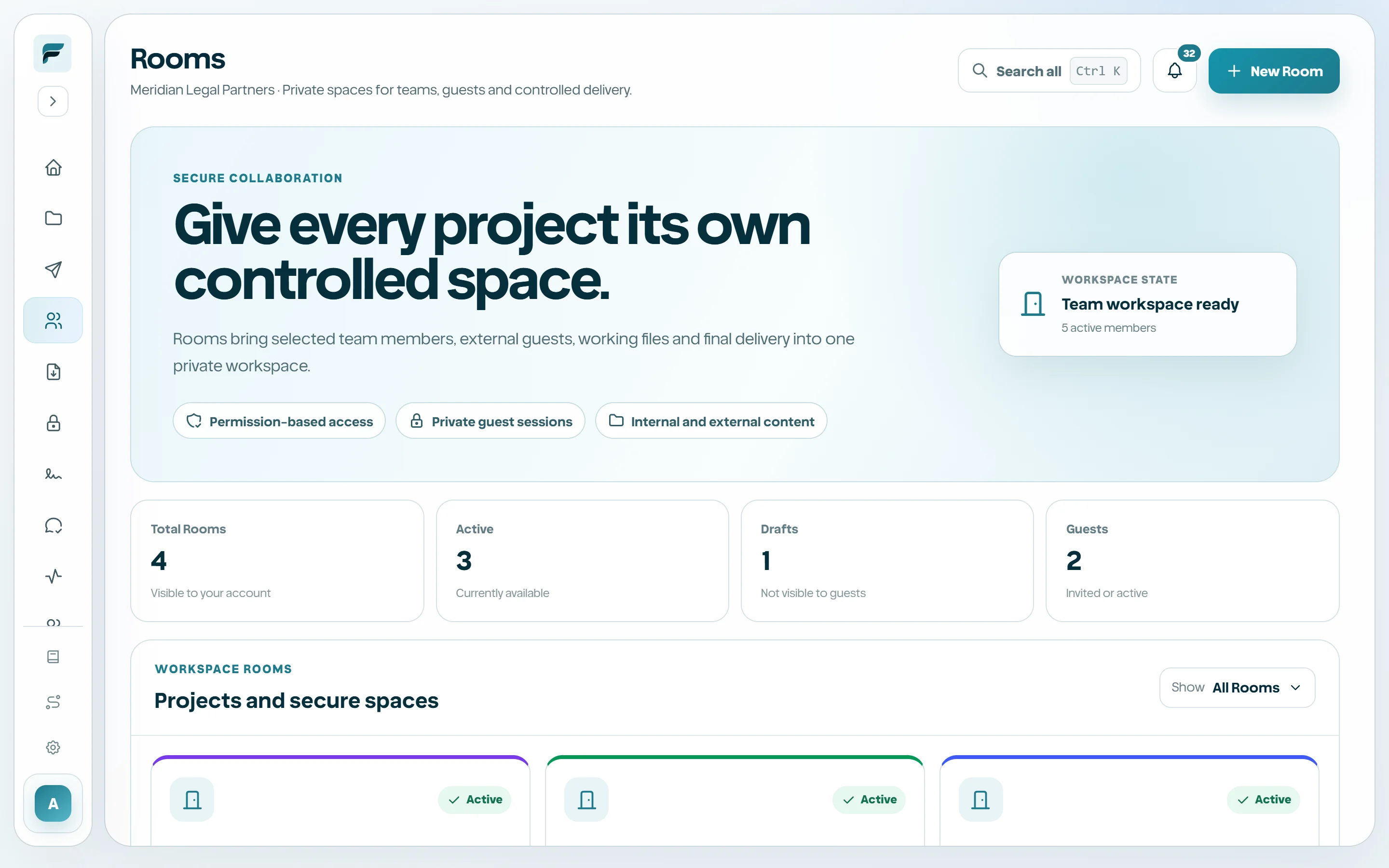
Use the workspace navigation
The left sidebar is the primary product map. It can collapse on wide screens and becomes a drawer on smaller devices. The bottom area contains Settings, Account, and sign-out controls. Some entries, such as Vault and Signatures, appear only when the plan and permission allow them.
- Home
- My files
- Send
- Rooms
- Requests
- Vault when entitled
- Reviews
- Activity
- Team
- Billing
- Settings and Account
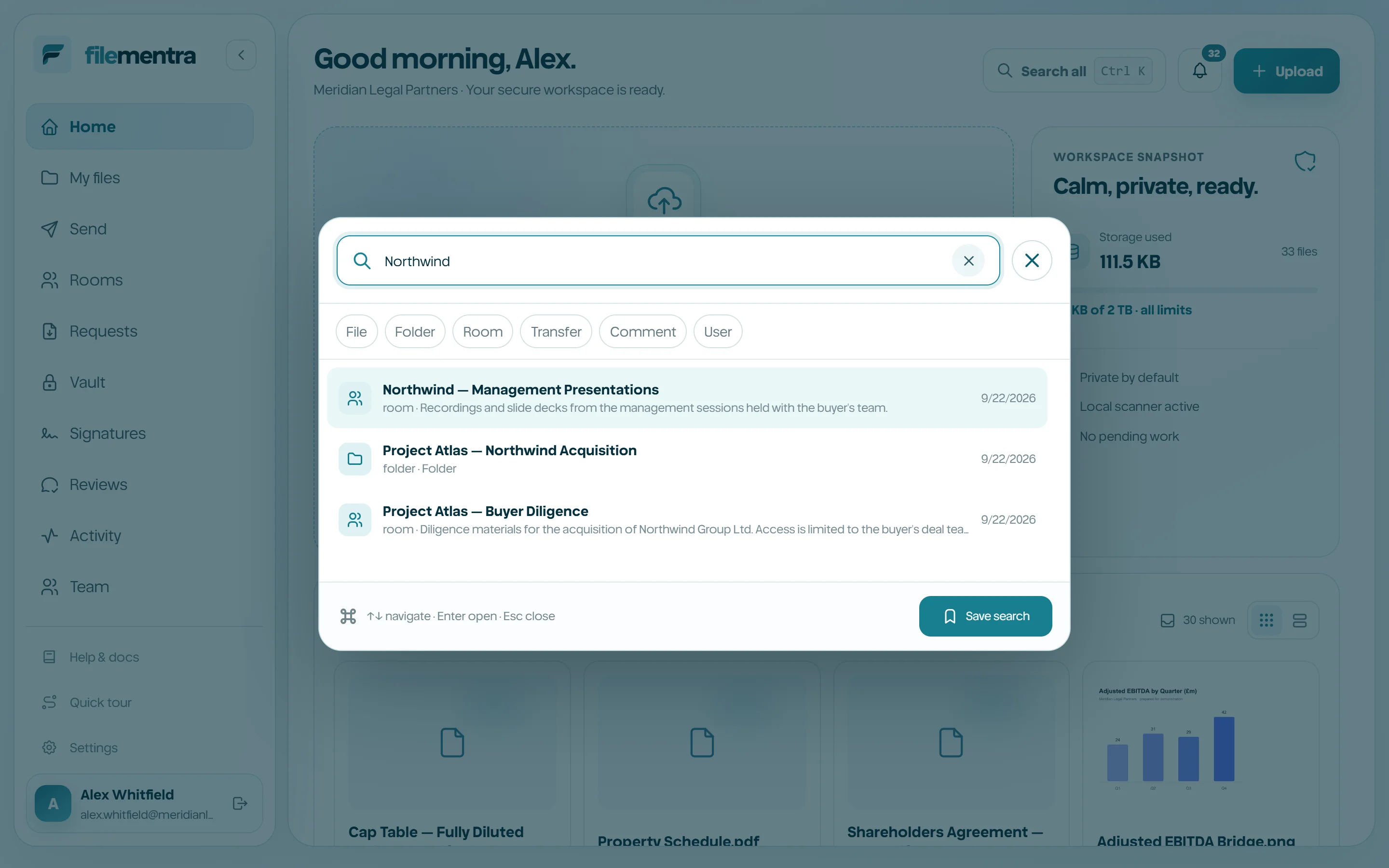
Search across FileMentra
Use Search all or its keyboard shortcut to open the global search palette. Results remain permission-aware: finding a record never grants access to its file, Room, or workspace. Recent searches and saved searches accelerate repeated workflows.
- 1
Open Search all.
- 2
Enter a file, folder, person, Room, or workflow term.
- 3
Use filters when available.
- 4
Open a result and confirm its context before acting.
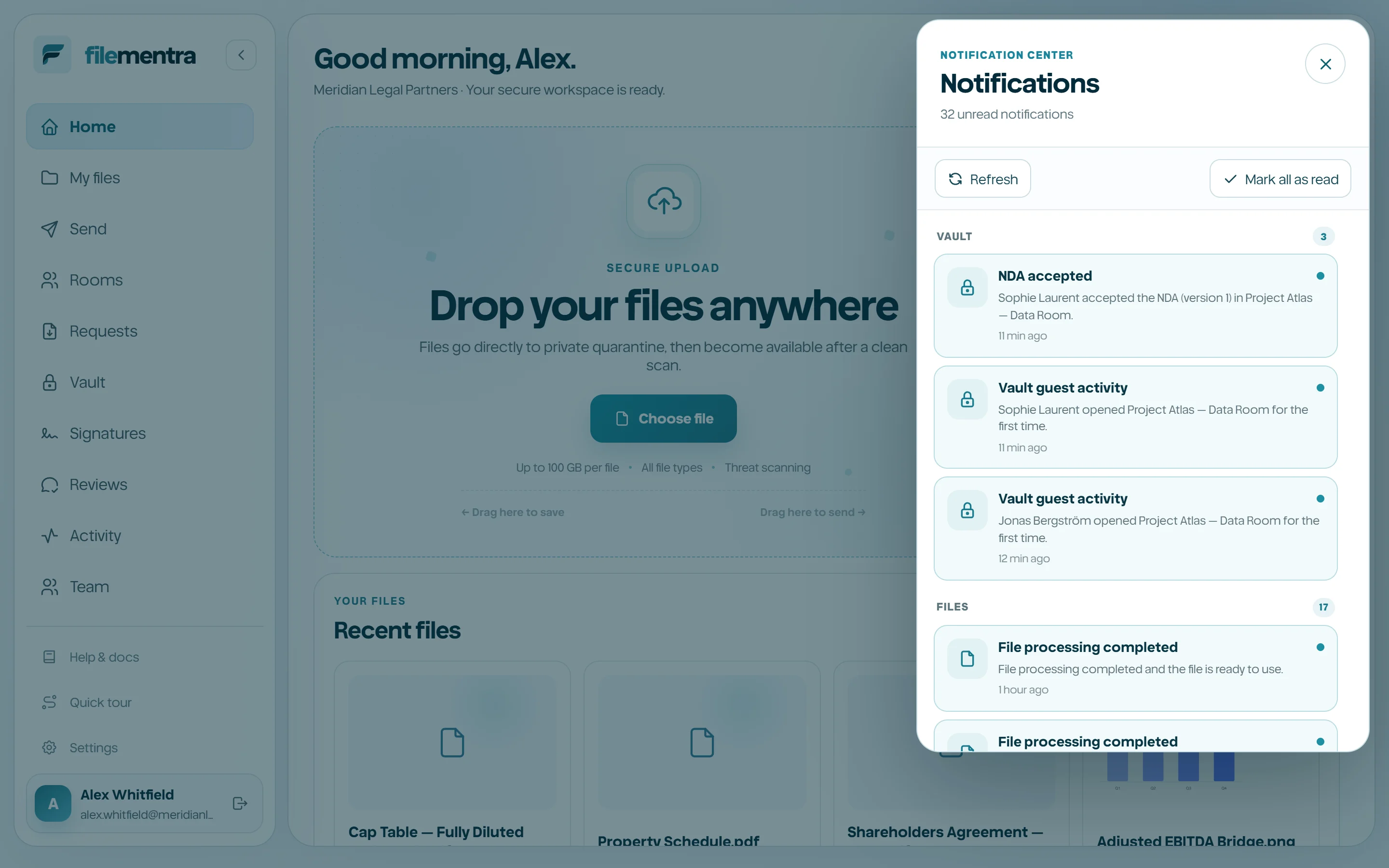
Manage notifications
The bell shows unread workspace events. Open an item to mark it read, use Read all for a reviewed queue, and configure delivery preferences in Settings. Notification links still pass normal authorization when opened.