My files and folders
Organize personal content, navigate folders, and use grid or list layouts.
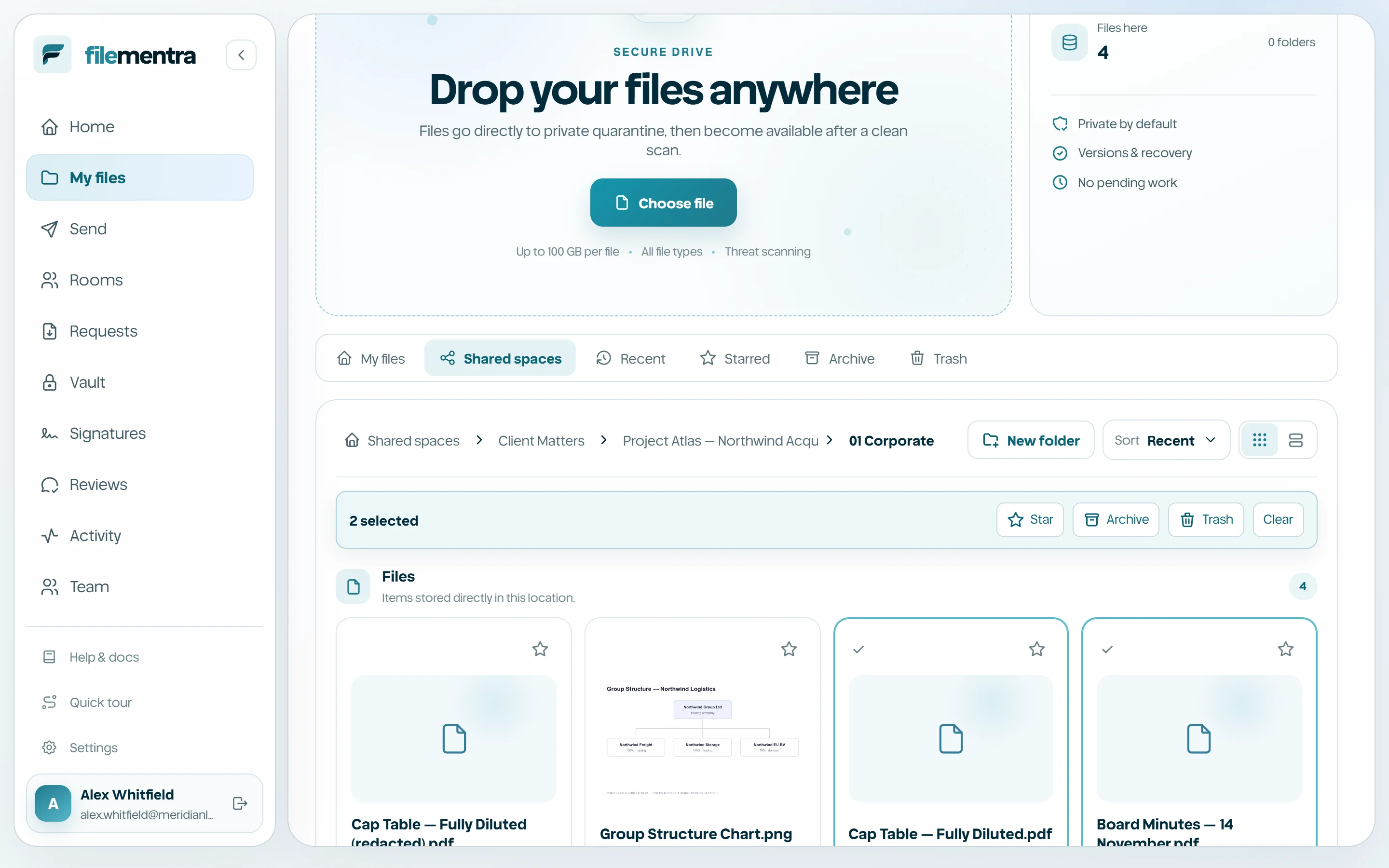
Understand Drive views
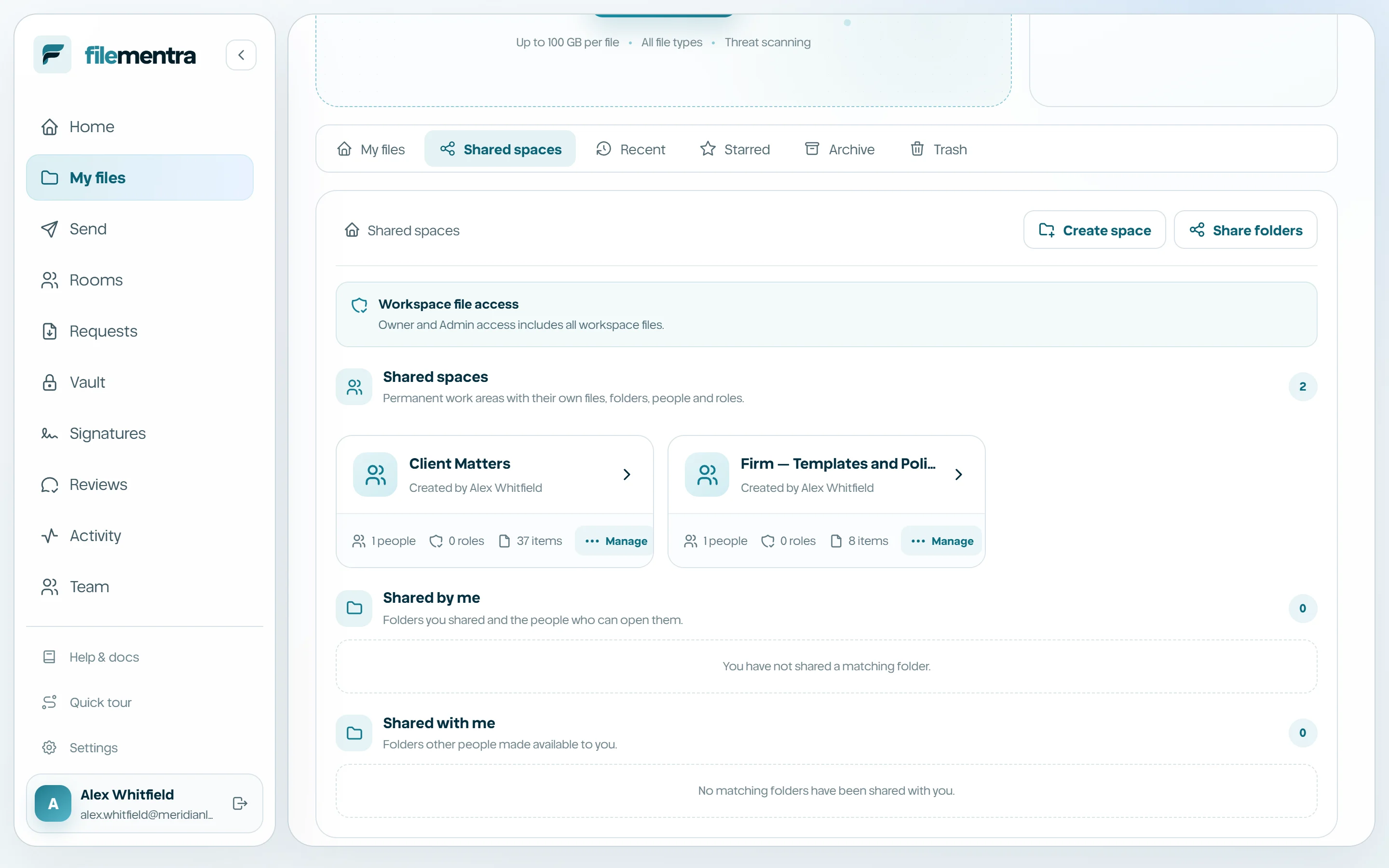
My files shows content you own or manage. Shared spaces shows controlled collections assigned to people or roles. Recent, Starred, Archive, and Trash are filtered views of the same protected records rather than separate storage locations.
- Grid emphasizes previews and visual browsing.
- List emphasizes owner, size, update time, and dense actions.
- Sort by recent, name, or size.
- Scrollable tabs remain usable on narrow screens.
Create and navigate folders
Use New folder at the current location. Breadcrumbs show the active path and allow safe movement toward the root. Folder actions include open, share where permitted, rename, move, archive, trash, and permanent deletion only in the appropriate state.
- 1
Open the parent location.
- 2
Select New folder and choose a clear name.
- 3
Upload or move content into it.
- 4
Use breadcrumbs rather than browser Back when you want to remain in Drive context.
Use bulk actions
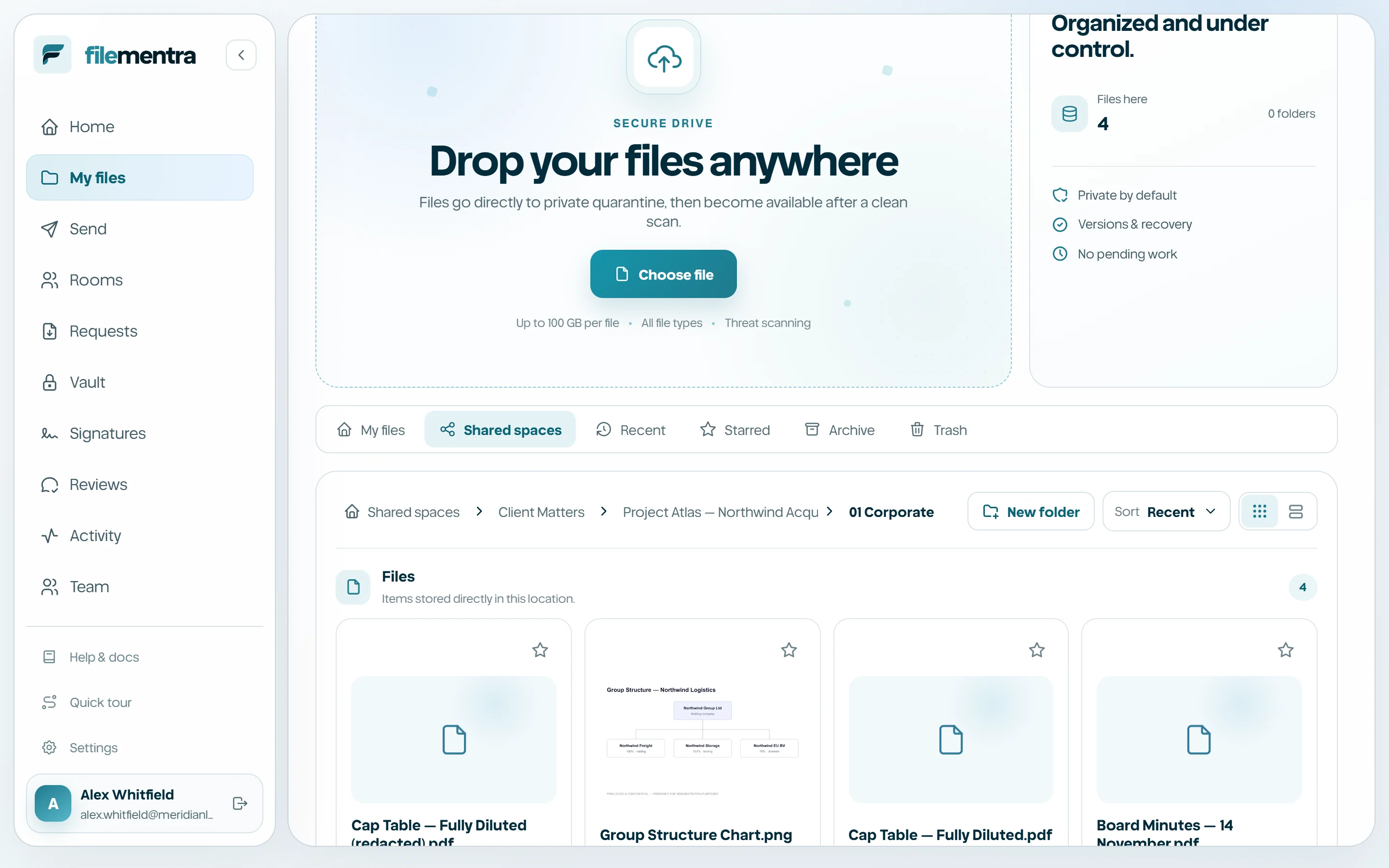
Select multiple rows or cards to apply supported actions together. Available actions depend on the current view and your permission. Restore and permanent delete appear in Trash; archive, star, move, or trash appear only when valid for the selection.