Create a Secure Vault
Configure a Virtual Data Room for due diligence, legal, board, or regulated access.
Create from scratch or a template
Vault is an entitlement-controlled Virtual Data Room. Create a named Vault or begin with an approved due-diligence or board/legal template, or with one of your own: any Vault can be saved as a template (its policy, its top-level folders and its look) or duplicated, with its documents and guest groups if you ask for them. Templates and copies carry secure defaults and a folder blueprint, never guests.
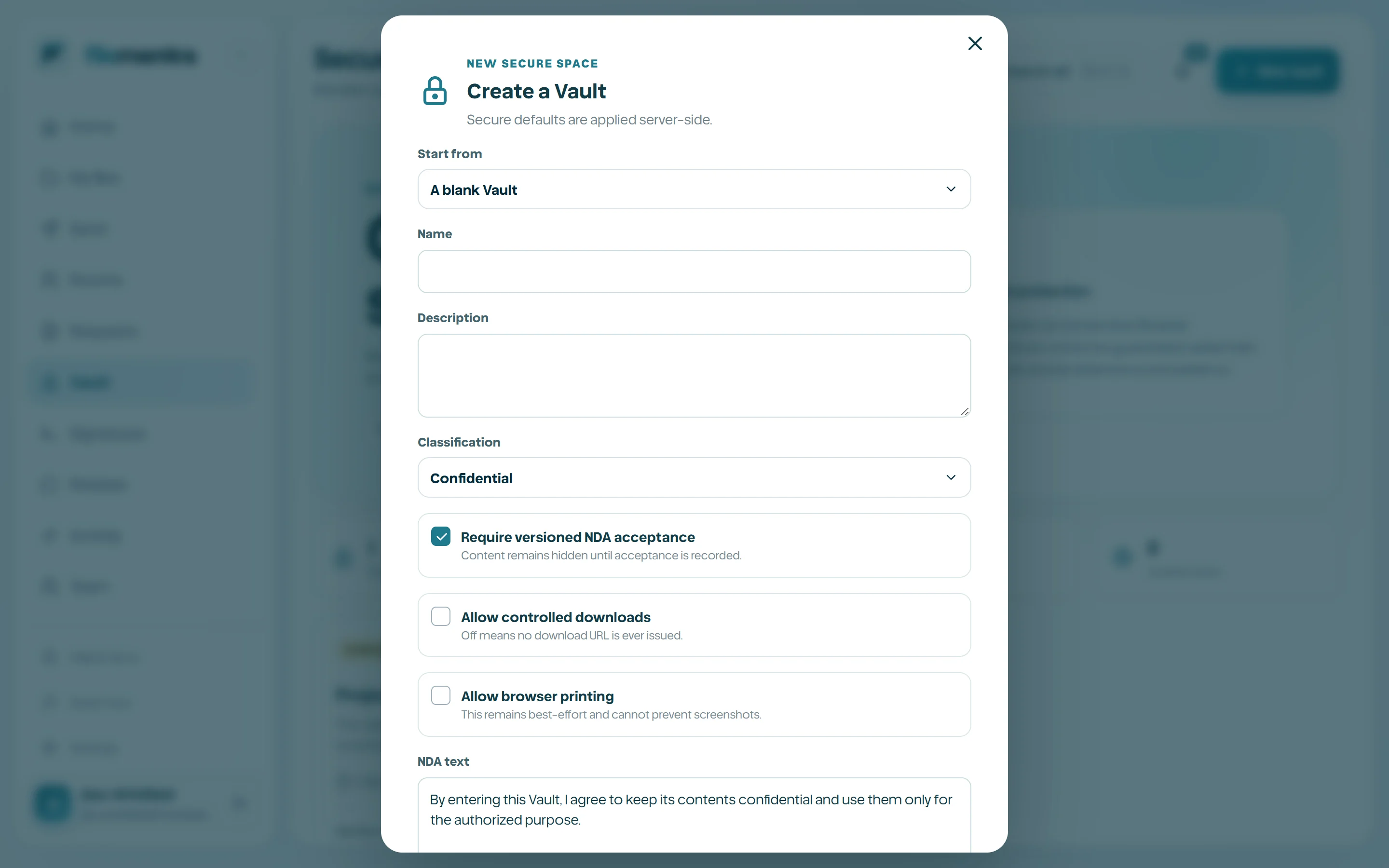
Set the Vault policy
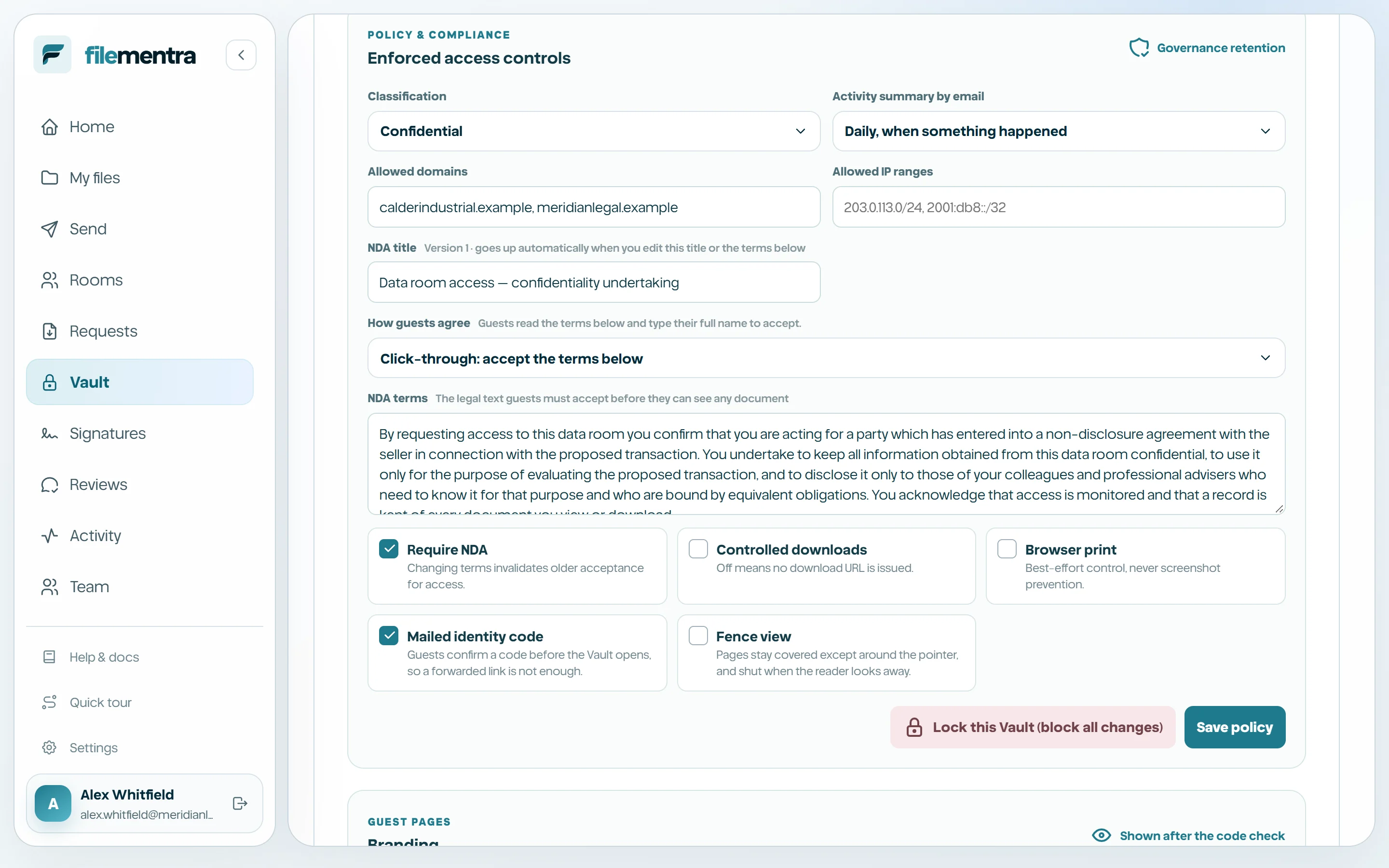
Choose classification, NDA requirement and text, download and print posture, identity watermarking, allowed email domains, optional IP ranges, expiry, and governance/compliance retention. Secure defaults should be tightened only with an understood business purpose.
- View-only does not make screenshots technically impossible.
- Watermarking deters and attributes; it is not DRM.
- Compliance retention cannot be casually shortened.
- Allowed domains are identity policy, while IP ranges are only a network signal.
- Legal hold changes require security permission and step-up verification.
- The guest identity check is on for new Vaults; fence view is off until you turn it on.