
Profile, password, and MFA
Maintain identity details, rotate the password, and protect the account with an authenticator.
Update profile and password
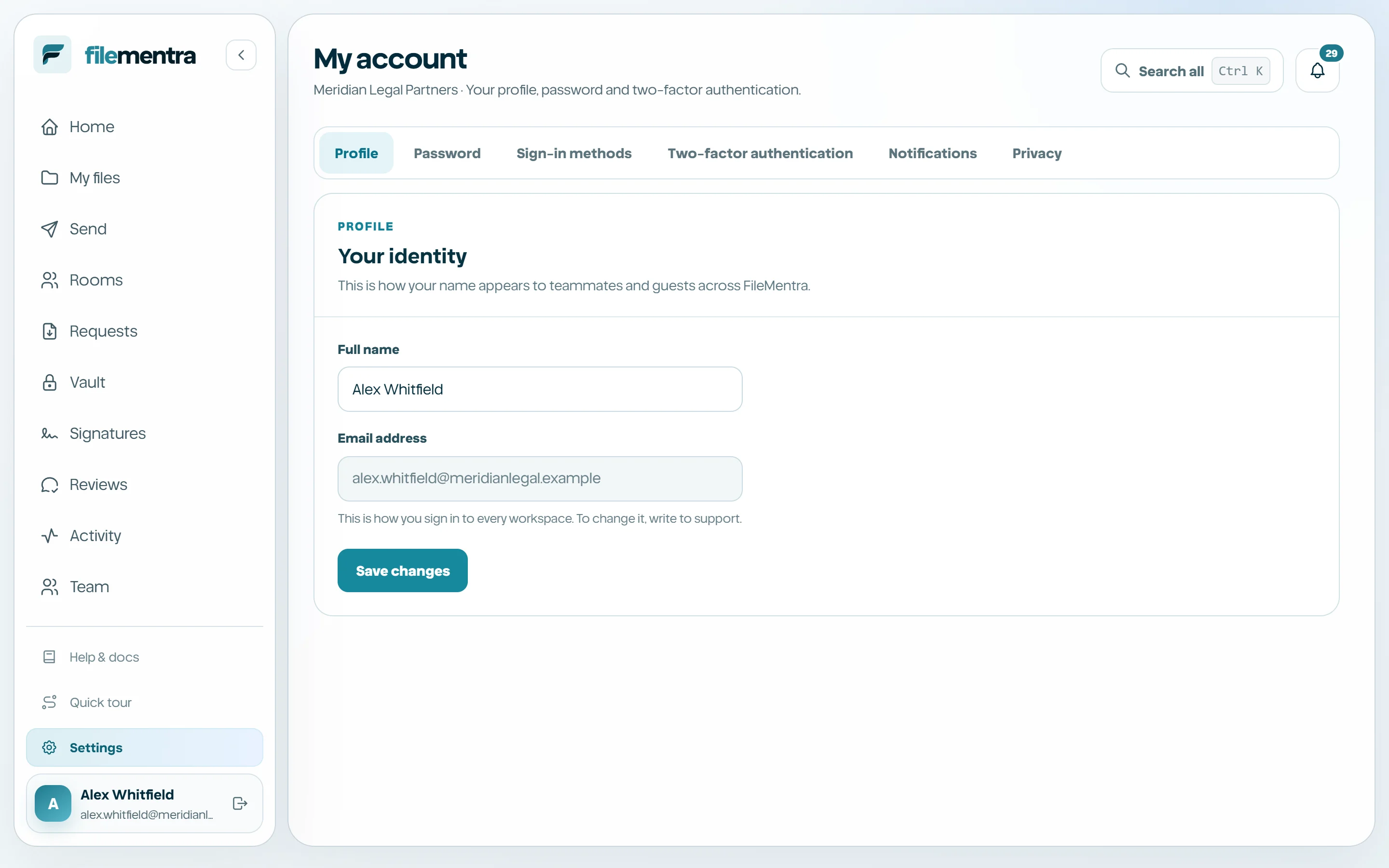
Account settings separate identity, password, MFA, and privacy. Keep the display name recognizable to collaborators. Password changes require the current credential and should be followed by reviewing unexpected access signals.
Enable two-factor authentication
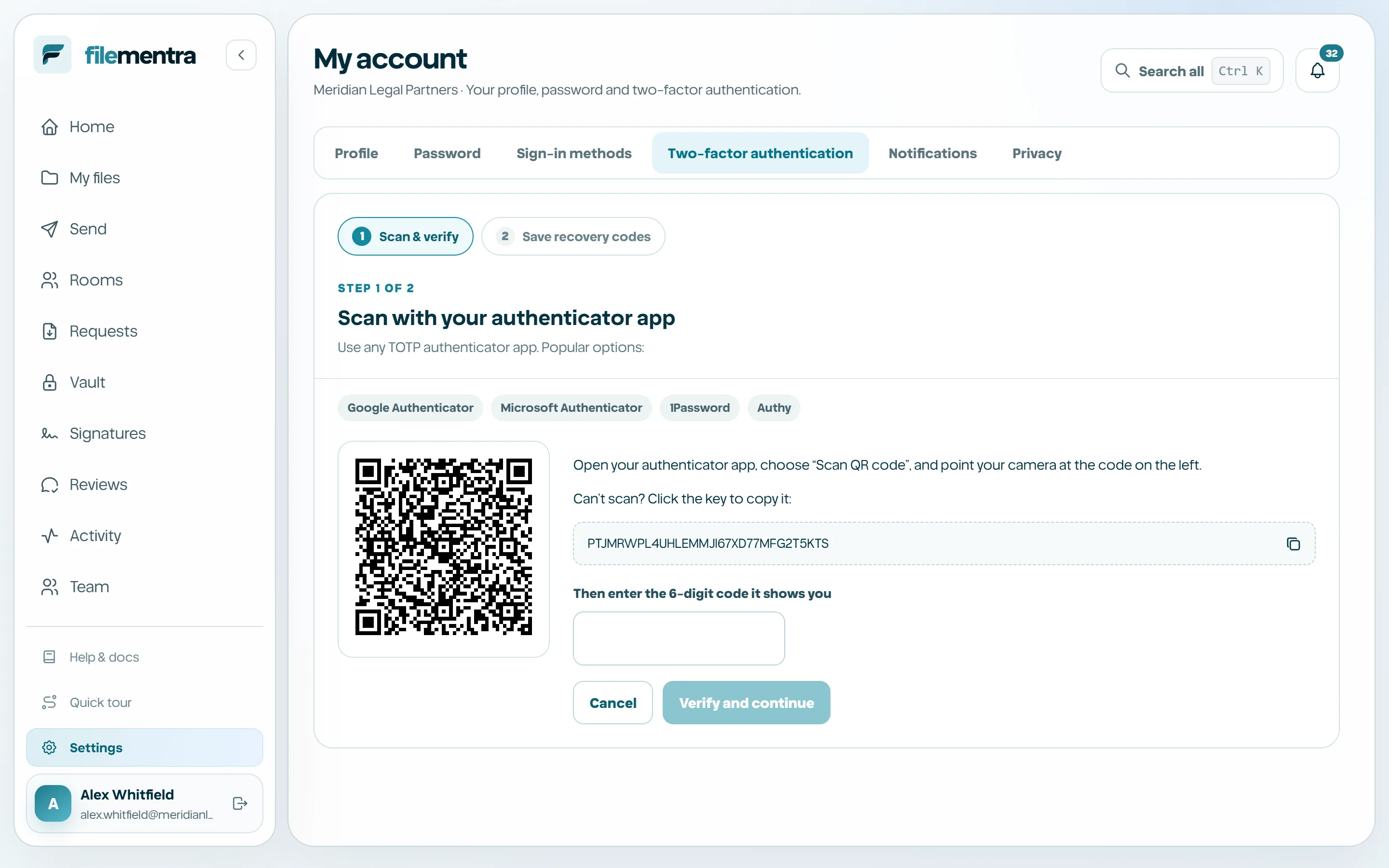
Start MFA enrollment, scan the QR code with a compatible authenticator, enter the current six-digit code, and save the recovery codes. Enrollment is not complete until verification succeeds.
- 1
Choose Enable MFA.
- 2
Scan or manually enter the secret.
- 3
Submit a fresh six-digit code.
- 4
Download or copy recovery codes.
- 5
Store recovery codes offline and separately from the password.
Regenerate recovery or disable MFA
Regenerating recovery codes or reducing protection requires recent step-up verification. New recovery codes invalidate the previous set. Disable MFA only when necessary and restore equivalent protection immediately.