FileMentra documentation
Archive, Trash, and retention
Remove clutter safely, restore mistakes, and understand permanent deletion boundaries.
File owners 8 minUpdated Aug 18, 2026
Archive completed work
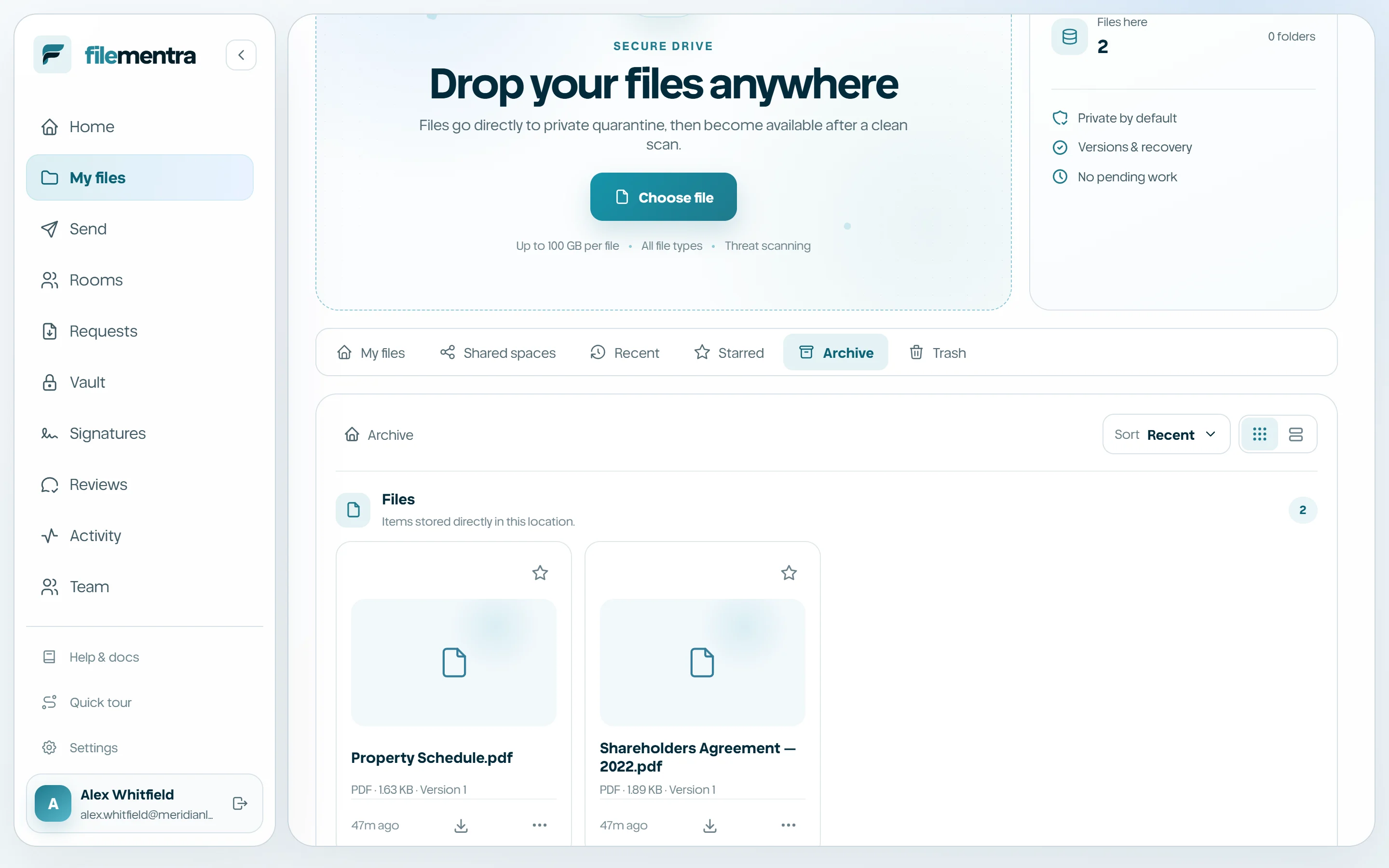
Archive removes active items from the main working view without treating them as deleted. Use it for completed projects that may still be referenced. Restore from Archive when work resumes.
Trash and permanent deletion
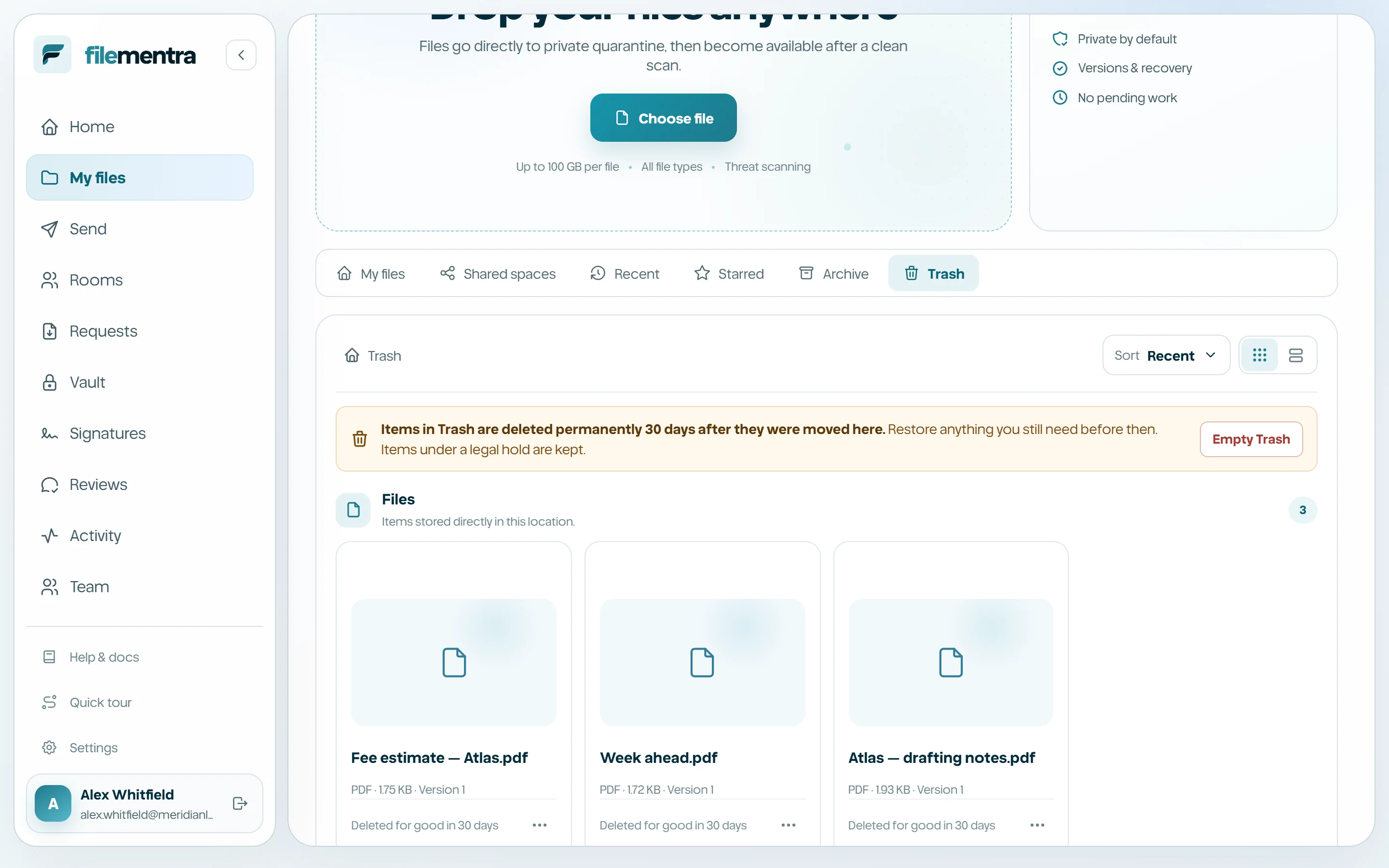
Trash is a recoverable deletion state. Restore returns an item to active work. Permanent delete is deliberately separated and may be blocked by retention, legal hold, ownership, or workflow references.
- 1
Move only the intended item to Trash.
- 2
Review the Trash list and item details.
- 3
Restore accidental removals.
- 4
Use permanent delete only when policy permits and the confirmation describes the expected scope.