FileMentra documentation
Create and complete a Review
Collect structured feedback, decisions, revisions, and evidence around a file.
Review participants 12 minUpdated Aug 18, 2026
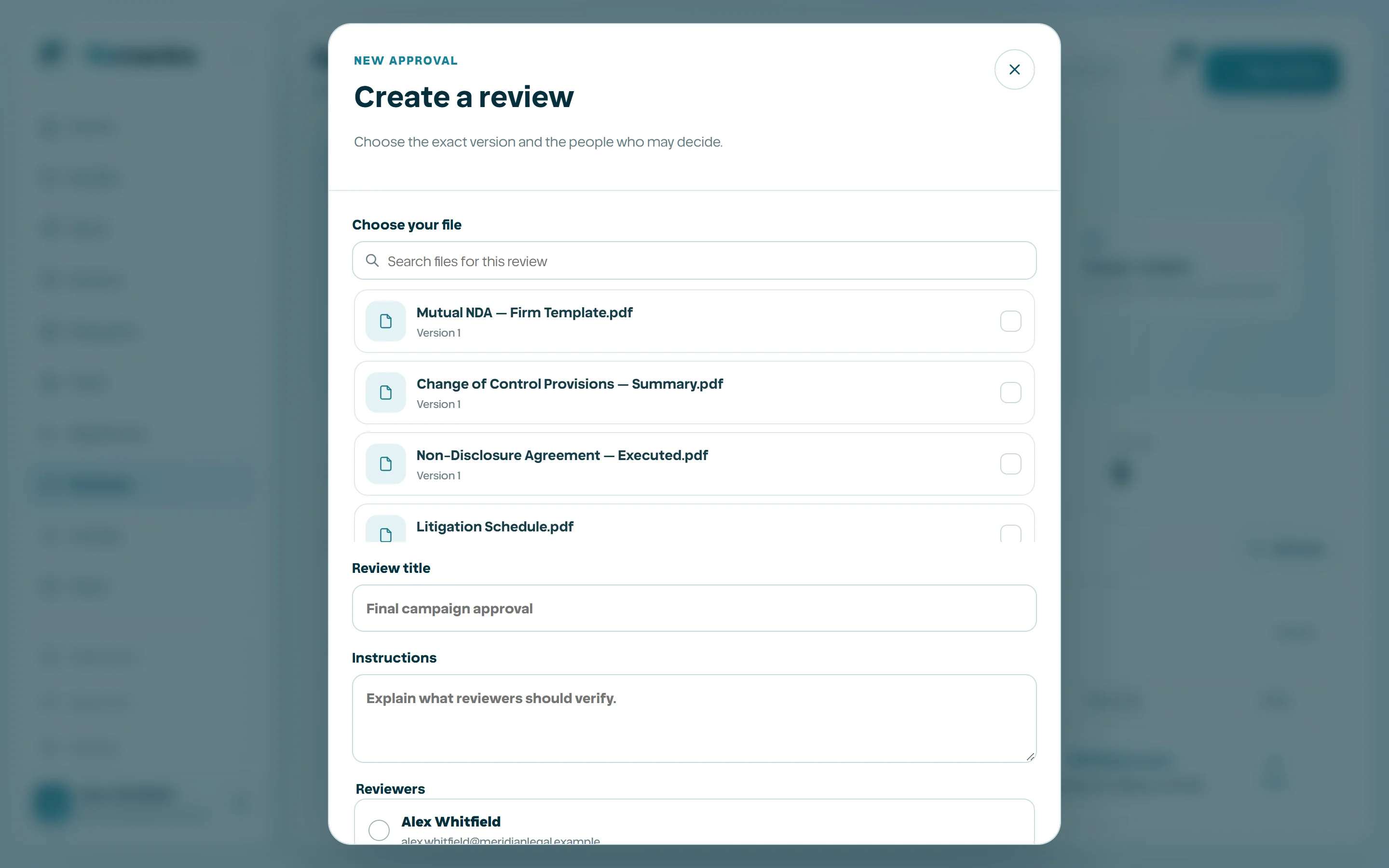
Create a Review
A Review binds discussion and a decision workflow to a specific file/version. Choose the correct content, assign authorized reviewers, define the purpose, and avoid continuing a decision against a silently changed version.
Annotate and decide
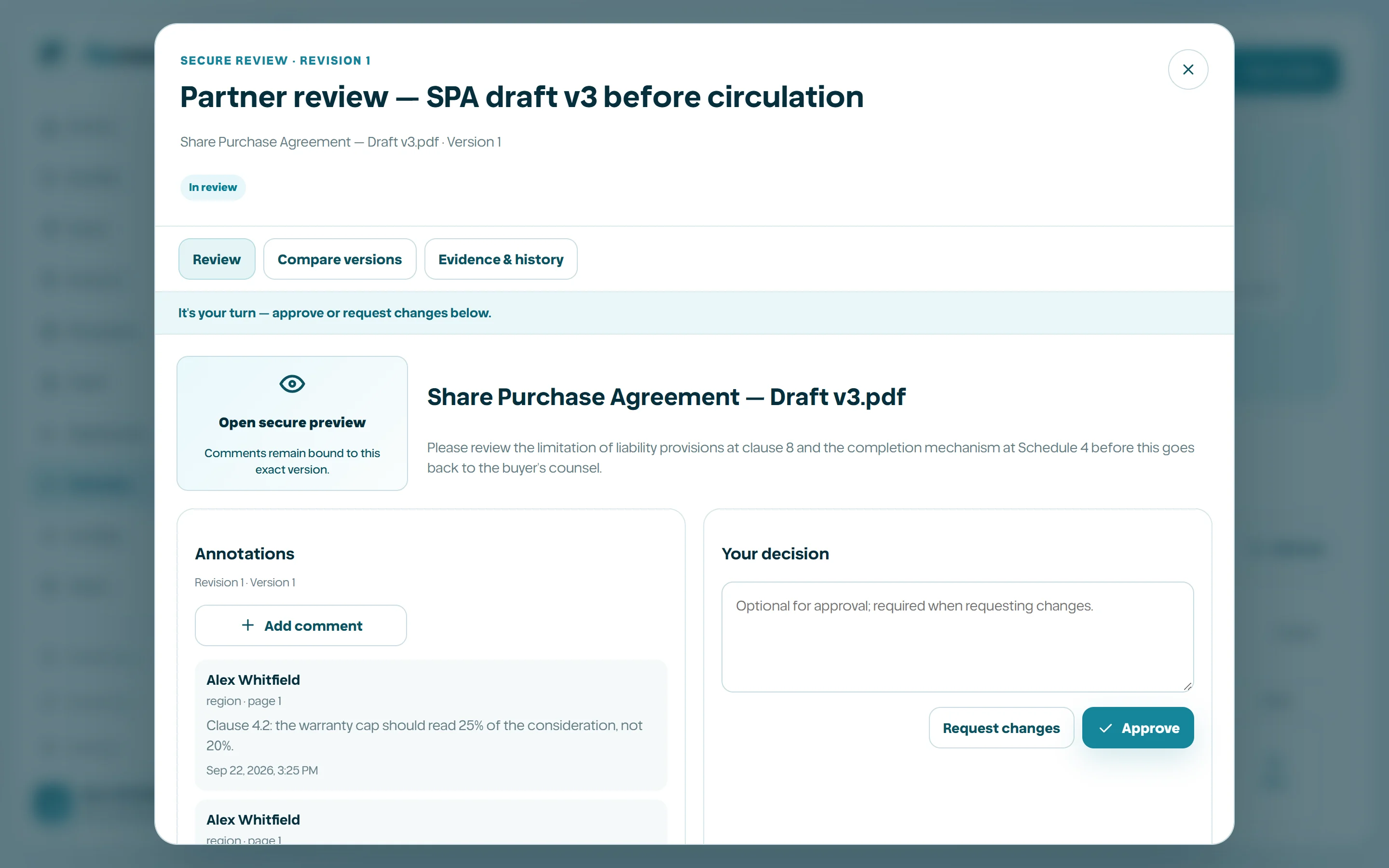
Reviewers add scoped annotations, submit decisions, and reference evidence. Revisions preserve prior activity. Closing or reopening follows permission and audit rules rather than deleting earlier feedback.
- 1
Open the assigned Review.
- 2
Preview the bound file/version.
- 3
Add precise annotations.
- 4
Submit the supported decision with context.
- 5
Upload or reference evidence when required.
- 6
Reopen only when a new revision or justified correction needs action.