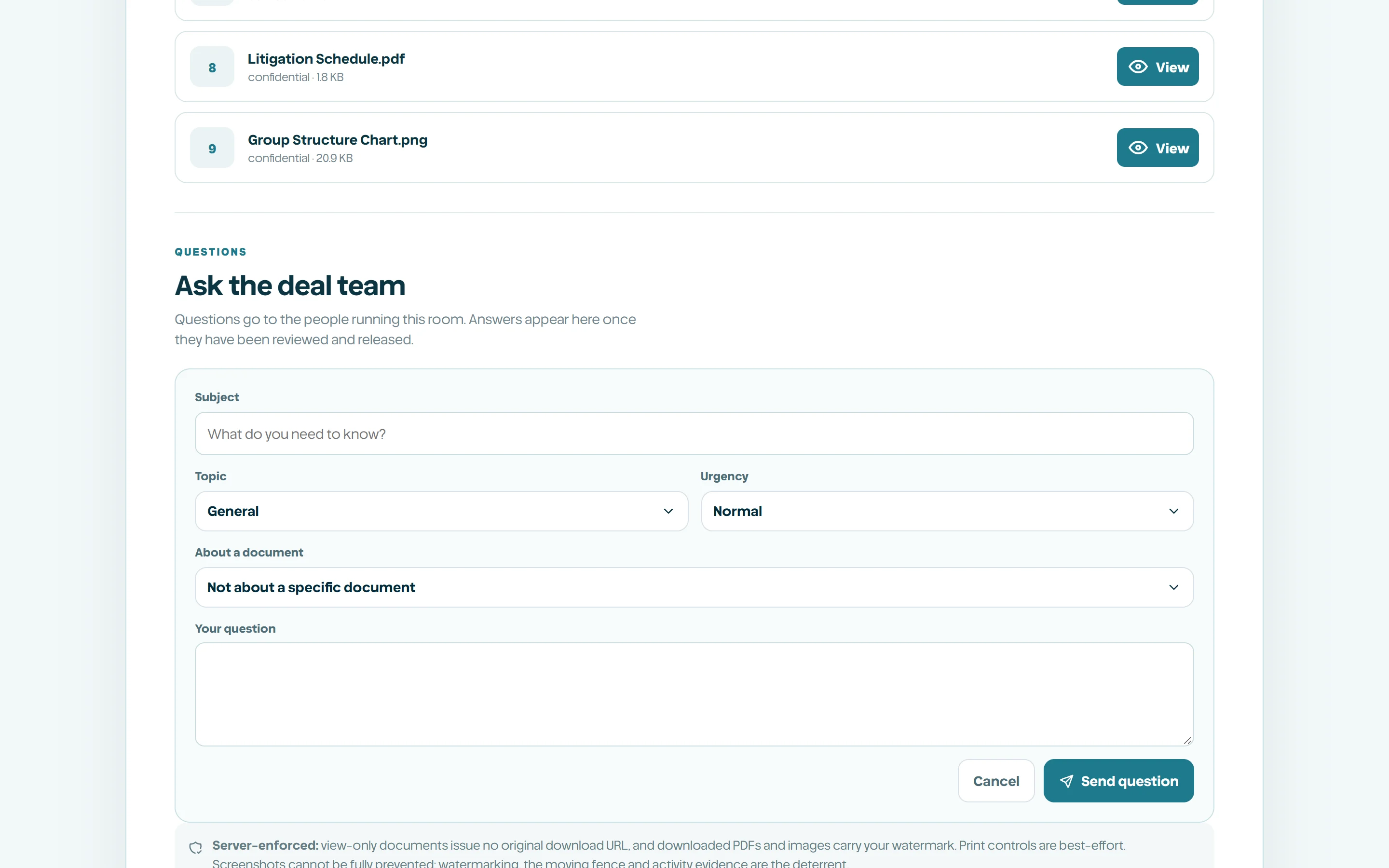
Diligence Q&A
Take buyer questions inside the Vault, route them to the right person, and release answers only after review.
Why questions belong in the room
During diligence the recipient always has questions. Handled over email they arrive scattered across inboxes, lose the link to the document they are about, and can be answered by someone who did not know what was already agreed. Q&A keeps the exchange beside the evidence it concerns.
Asking is inside the Vault, so it sits behind the same gate as the documents. A guest who has not accepted the current NDA version cannot ask, because a question reveals what the recipient is looking at and opens a channel to the deal team.
How a guest asks
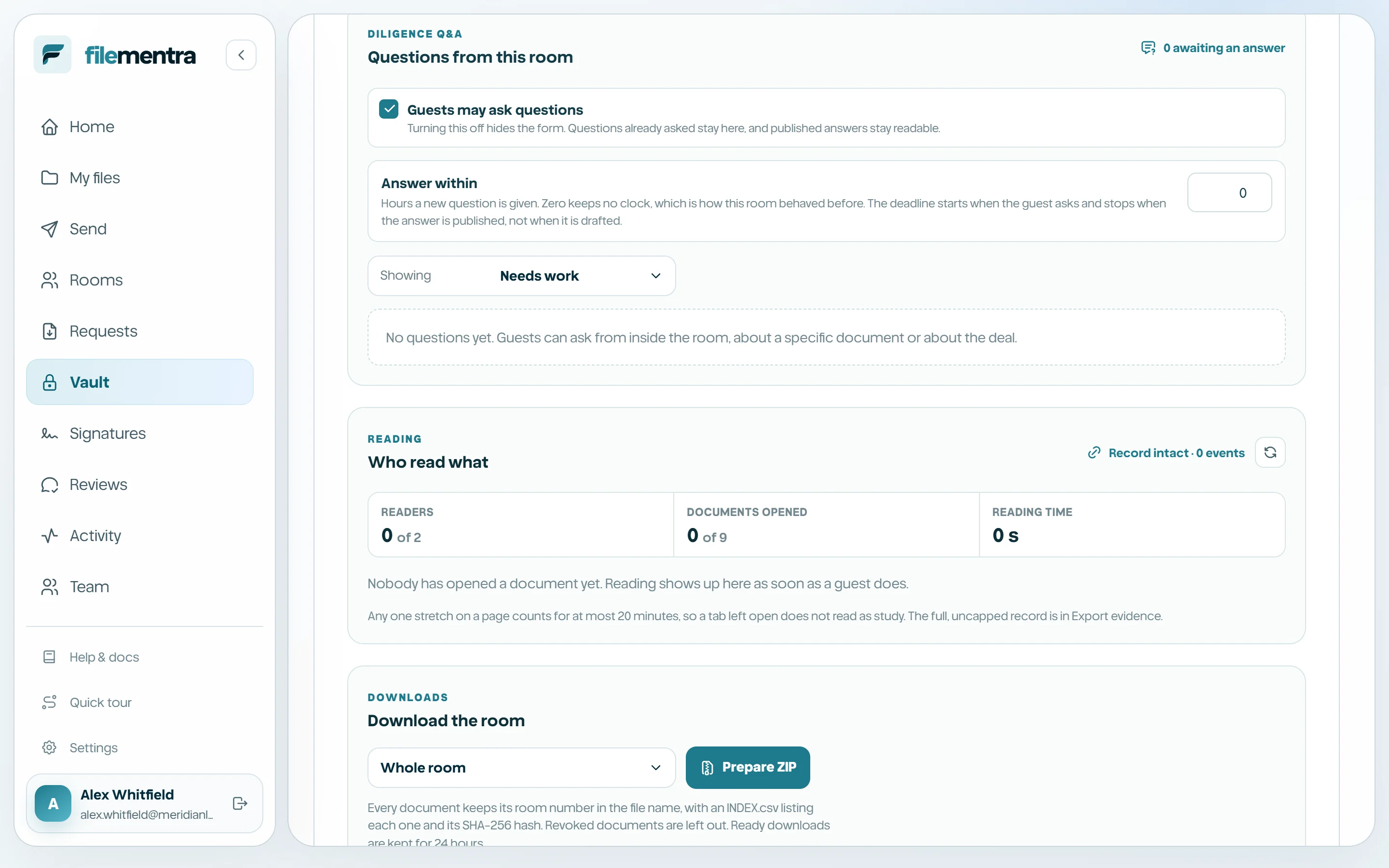
A guest writes a subject and the question itself, and may attach it to a specific document in the room so the team can see exactly what prompted it. Each question receives a sequential reference, shown as Q-001, that both sides can quote in later correspondence.
Questions carry a category such as general, financial, legal, commercial, technical, or HR, and a normal or high priority. A guest can withdraw a question while nobody has answered it yet.
- A question may only point at a document the room still serves.
- Guests see their own questions plus answers published to the whole room.
- Question volume per guest is capped so a script cannot bury the deal team.
Route, draft, then release
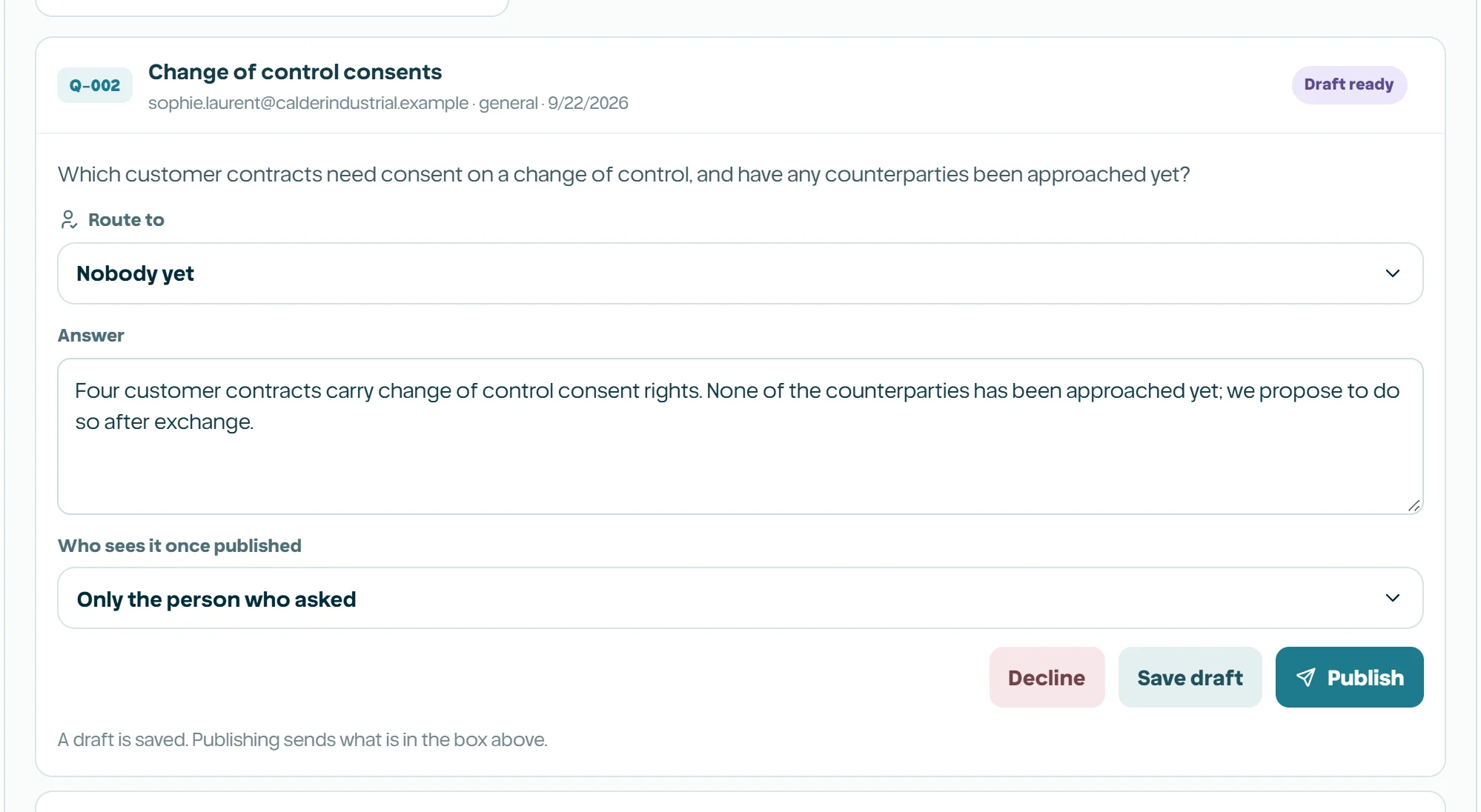
The team view shows every question, drafts included, with who asked it and who it is assigned to. Assign it to the colleague who actually knows the answer, let them draft a reply, and publish only when it has been read by someone willing to stand behind it.
Drafting and publishing are deliberately separate actions. Until an answer is published it does not exist as far as the recipient is concerned, which is what makes review meaningful rather than decorative.
- 1
Assign the question to the person who can answer it.
- 2
Draft the answer and choose who should see it.
- 3
Have it reviewed by whoever owns that part of the deal.
- 4
Publish it, or decline the question with a reason.
- Answer the asker only, or publish to everyone in the room when the point is common.
- A published or withdrawn question is an ending and cannot be reopened or rewritten.
- Every step is recorded in the Vault audit trail.