FileMentra documentation
Recipient submission flow
Upload requested items without a workspace account and understand completion rules.
Recipients 8 minUpdated Aug 18, 2026
Open the request
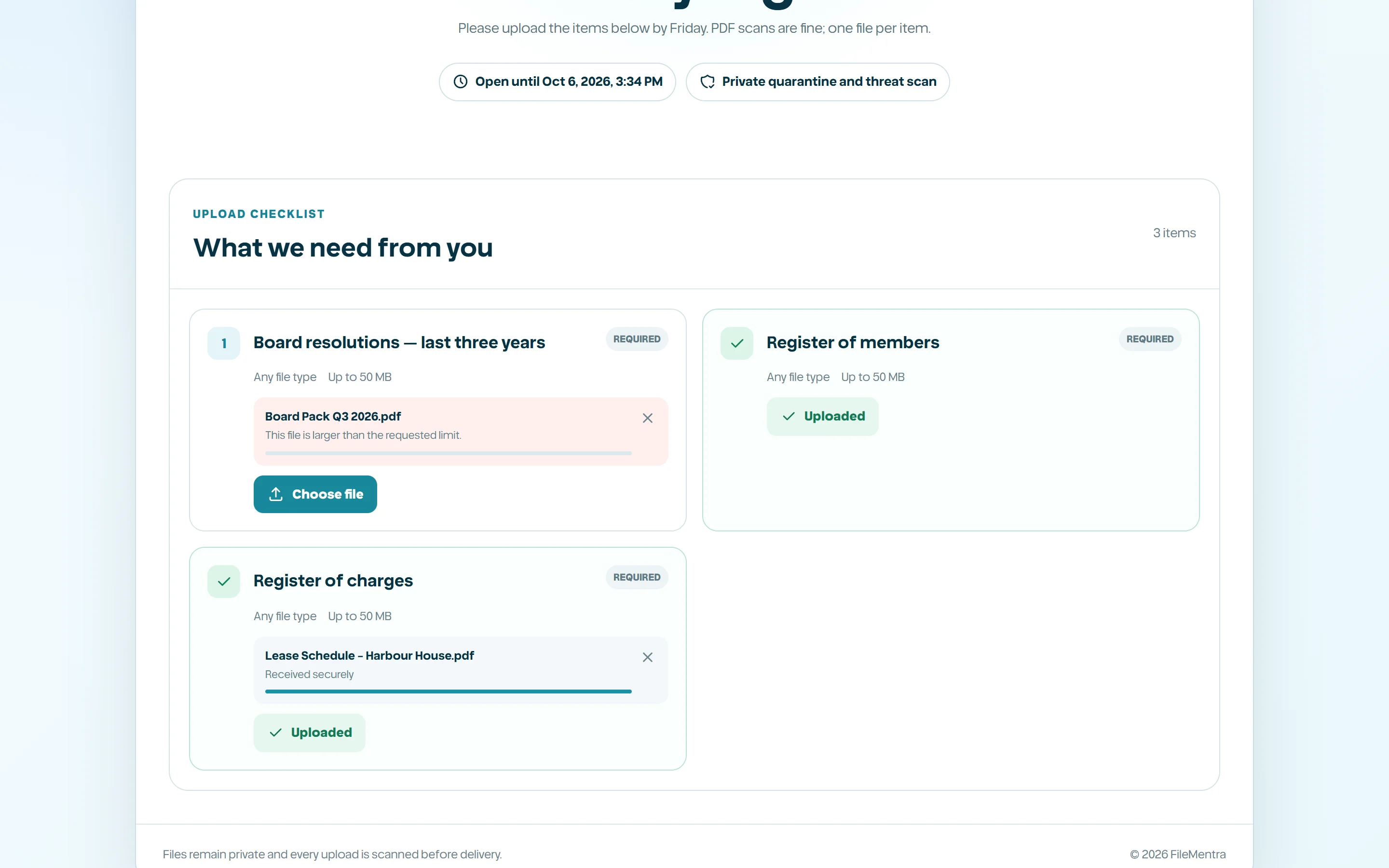
Open the private request URL and complete email/password verification when required. The page shows the request message, deadline, and checklist without exposing the owner's Drive or unrelated workspace data.
Submit requested files
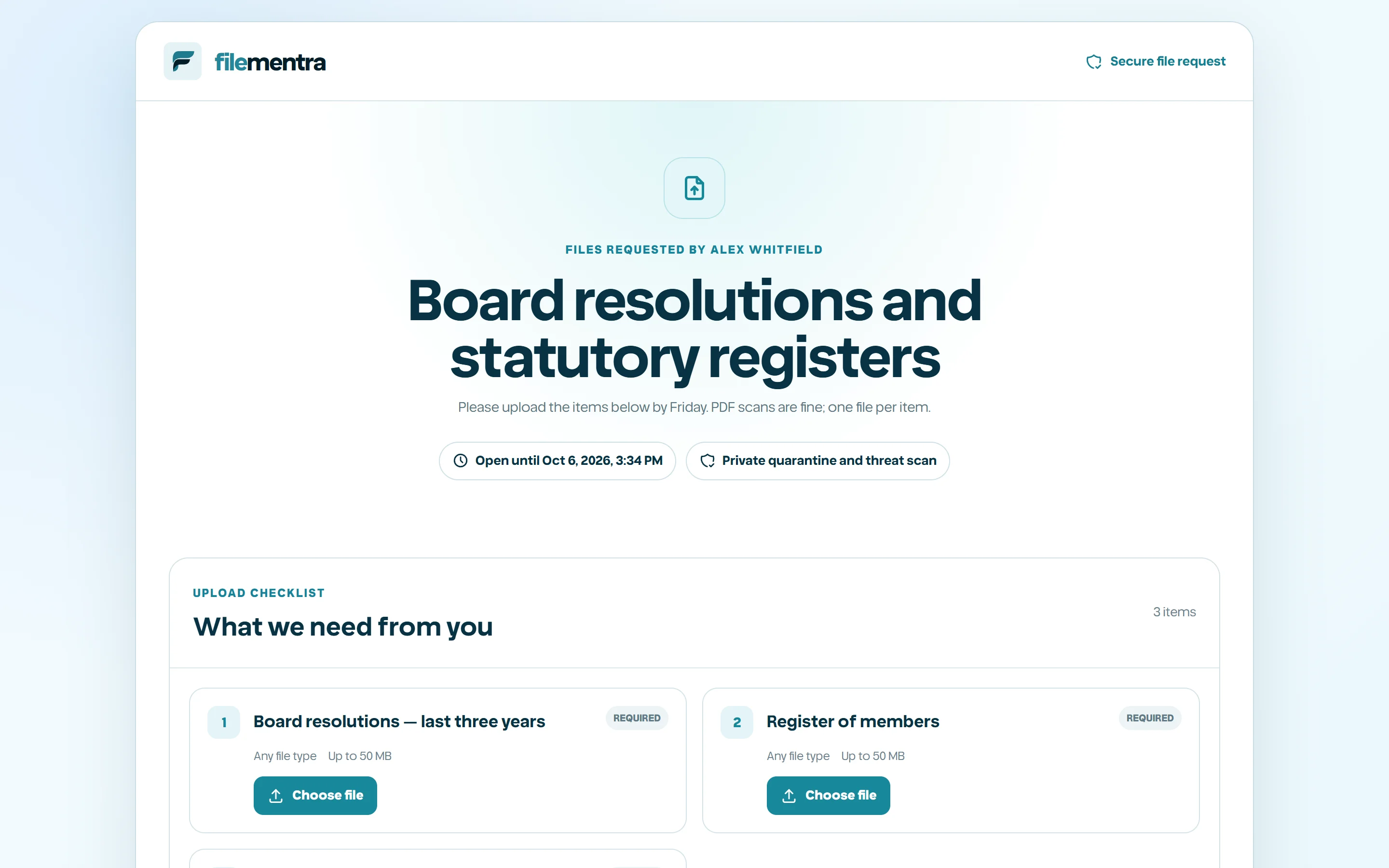
Choose the file for each checklist item. The browser enforces obvious size/type constraints, while the server performs authoritative validation and secure processing. Required items must complete successfully before the request is considered complete.
- 1
Match each file to the correct item.
- 2
Wait for upload progress.
- 3
Replace an incorrect selection before final completion where allowed.
- 4
Confirm the completion result and keep the receipt/reference if displayed.