Recipient access and downloads
Understand what recipients see and how verification, expiry, and download limits apply.
Open a transfer
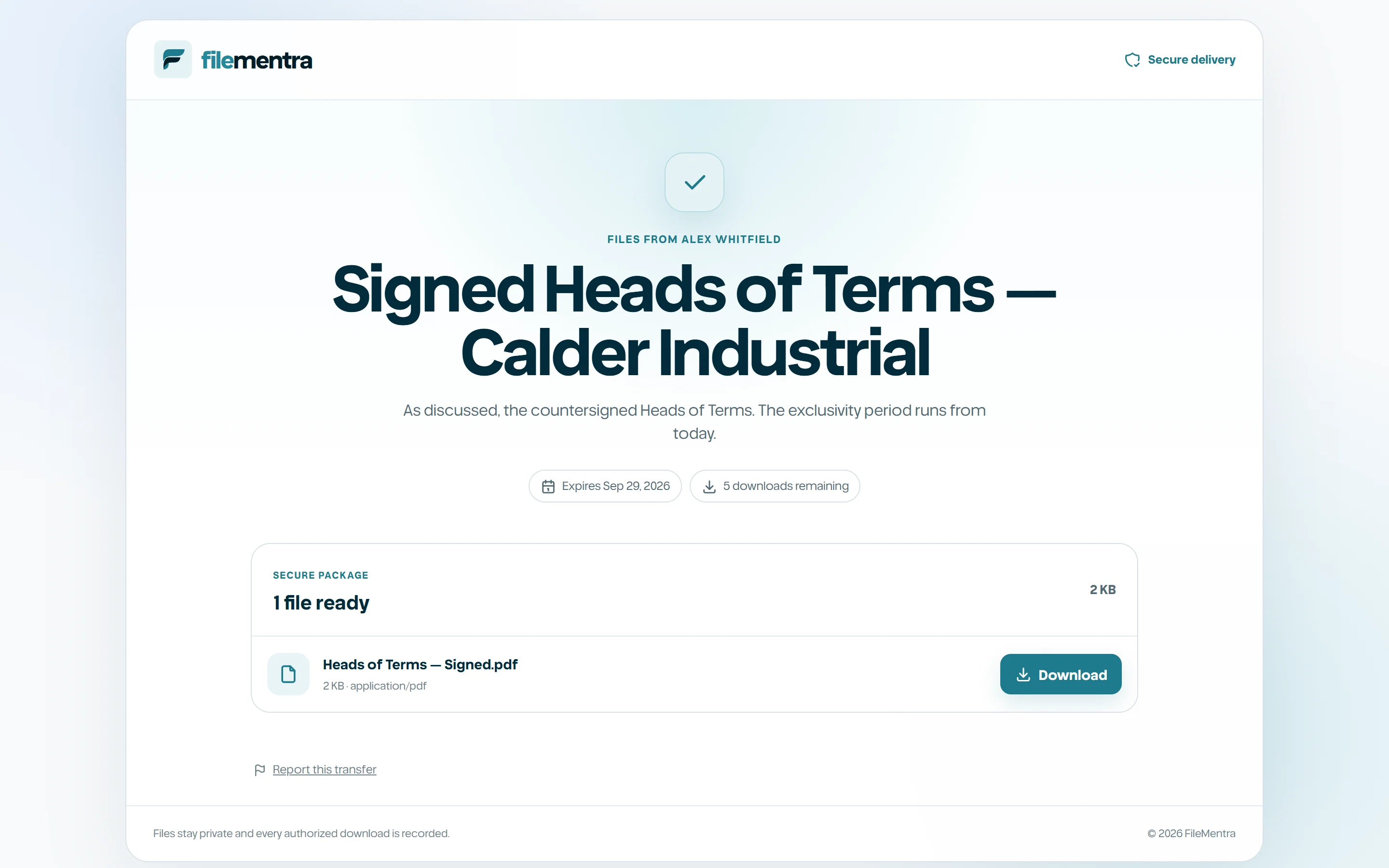
The recipient opens the delivery URL and completes any configured email or password challenge. FileMentra resolves the opaque token, checks revocation, expiry, recipient policy, and access limit, then provides only the files attached to that transfer.
- 1
Open the newest trusted delivery URL.
- 2
Complete verification if shown.
- 3
Read the sender note and file list.
- 4
Download only the required items before expiration.
Report a transfer
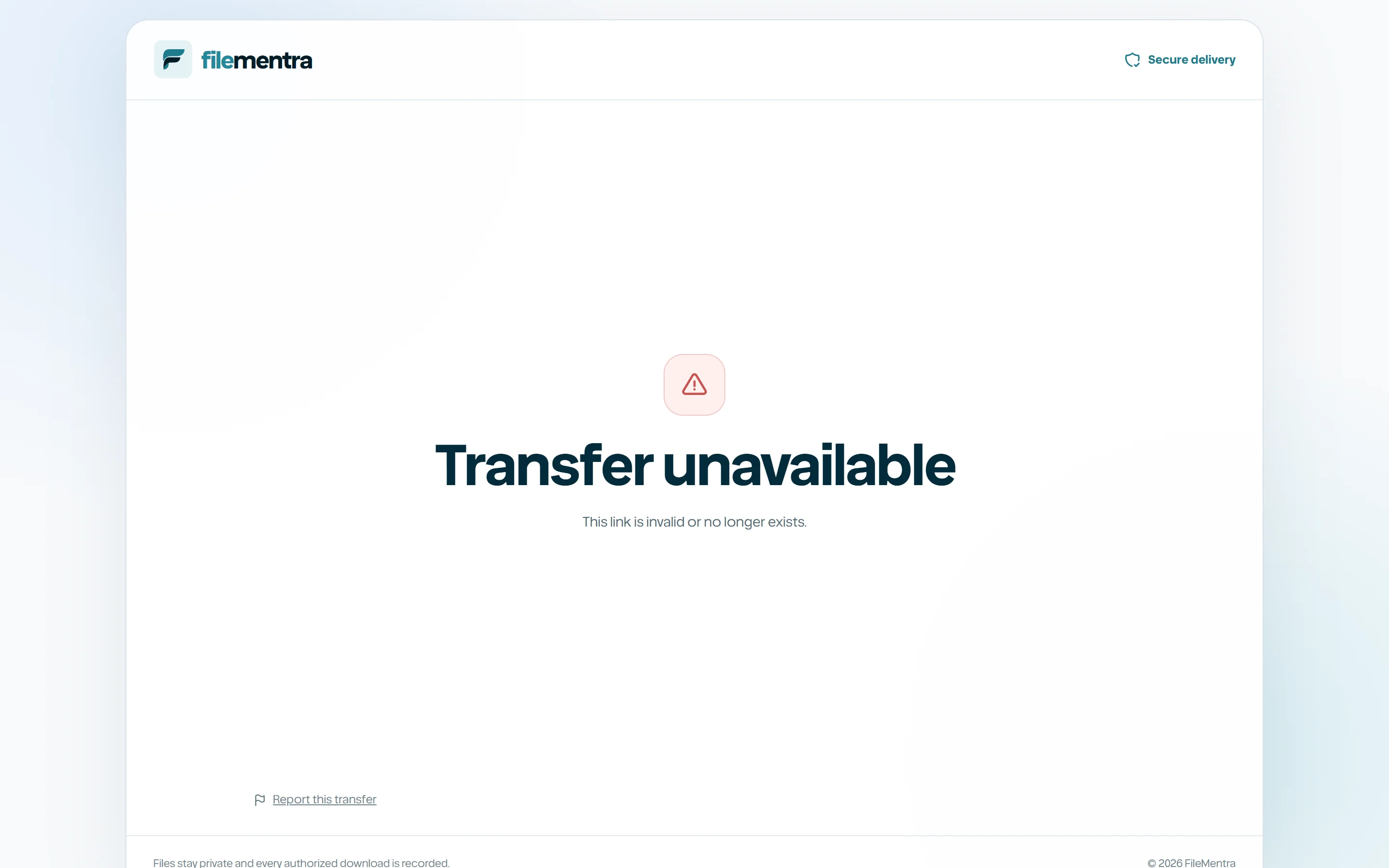
If a transfer you received looks wrong, do not open its files. At the bottom of the download page, choose Report this transfer, pick what is wrong, and add anything that helps. It works even when the link is locked or has expired. Every report is reviewed by a person, and a transfer found to carry malware, phishing or illegal content is taken down straight away.
Sending without an account
The Send page on the homepage works without an account. You confirm your email with a code first, and your files upload after that. Every file is scanned before anyone can download it.
Because anyone can use it, it carries less than a workspace does. Programs, scripts, web pages, SVG images, Office files with macros and password-protected archives cannot be sent this way.
- Up to 20 files and 2 GB in one transfer.
- Up to 10 transfers or 3 GB in any 30 days for one email address.
- Links last up to 3 days.
- A link stops once it has been downloaded about ten times over.
- Titles and messages cannot contain links or web addresses.
Share safely
A recipient link is a bearer credential unless additional verification is enabled. Do not post it publicly. If it reaches the wrong person, the sender should revoke the transfer and issue a new one rather than trusting that the message was deleted.