FileMentra documentation
Public and recipient surfaces
Recognize FileMentra's account-free entry points and the access boundary of each one.
Recipients and support teams 11 minUpdated Aug 18, 2026
Know the recipient experiences
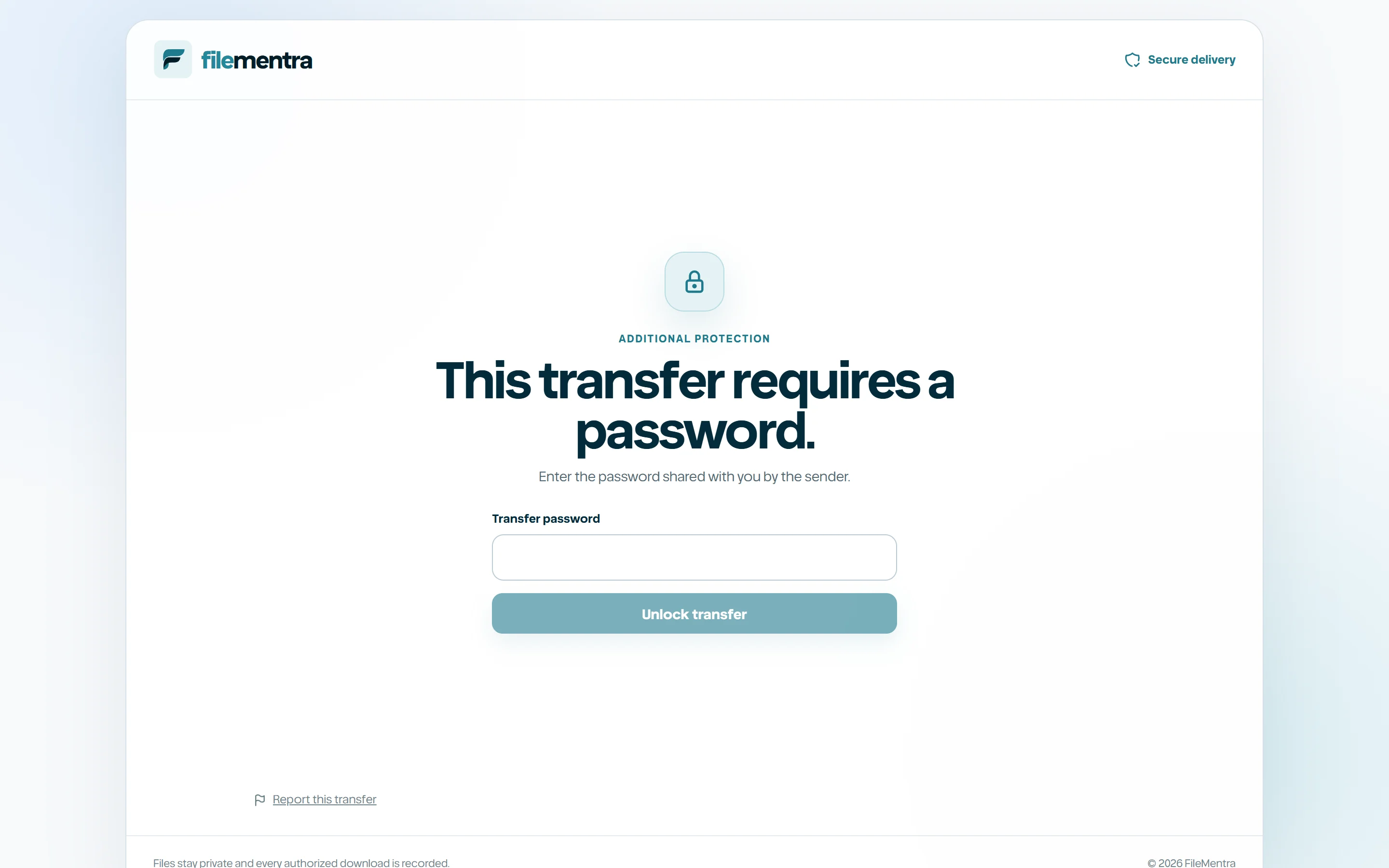
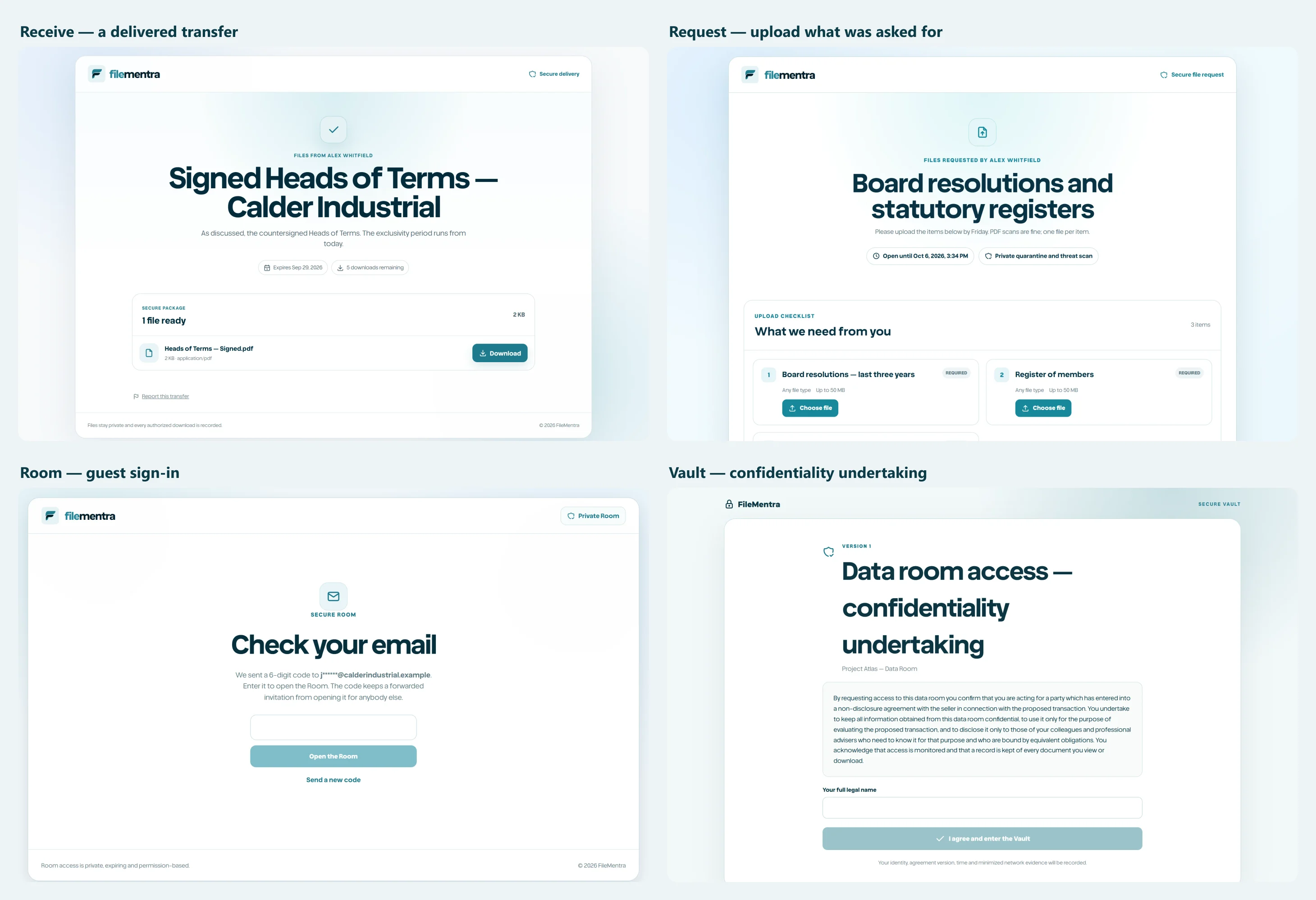
FileMentra exposes narrowly scoped public pages for public Send upload, transfer receipt/download, secure file share, file Request, Room invitation, signing, and Vault invitation. Each token resolves only its intended workflow and does not create general workspace access.
- Receive: account-free secure upload/send entry.
- Share: one controlled shared file.
- Request access: a recipient checklist and upload route.
- Room access: one external Room presentation.
- Sign: one signing envelope, opened only after an emailed code is confirmed.
- Vault access: one policy-gated Virtual Data Room, including its Q&A when enabled.
- Expired or invalid credentials fail without disclosing protected metadata.
Recipient safety checklist
Confirm the sender and expected purpose before uploading or downloading. Check the hostname, do not forward private URLs, and report unexpected password, file, or identity prompts. FileMentra support should never ask for a password, MFA code, recovery code, or raw recipient token.