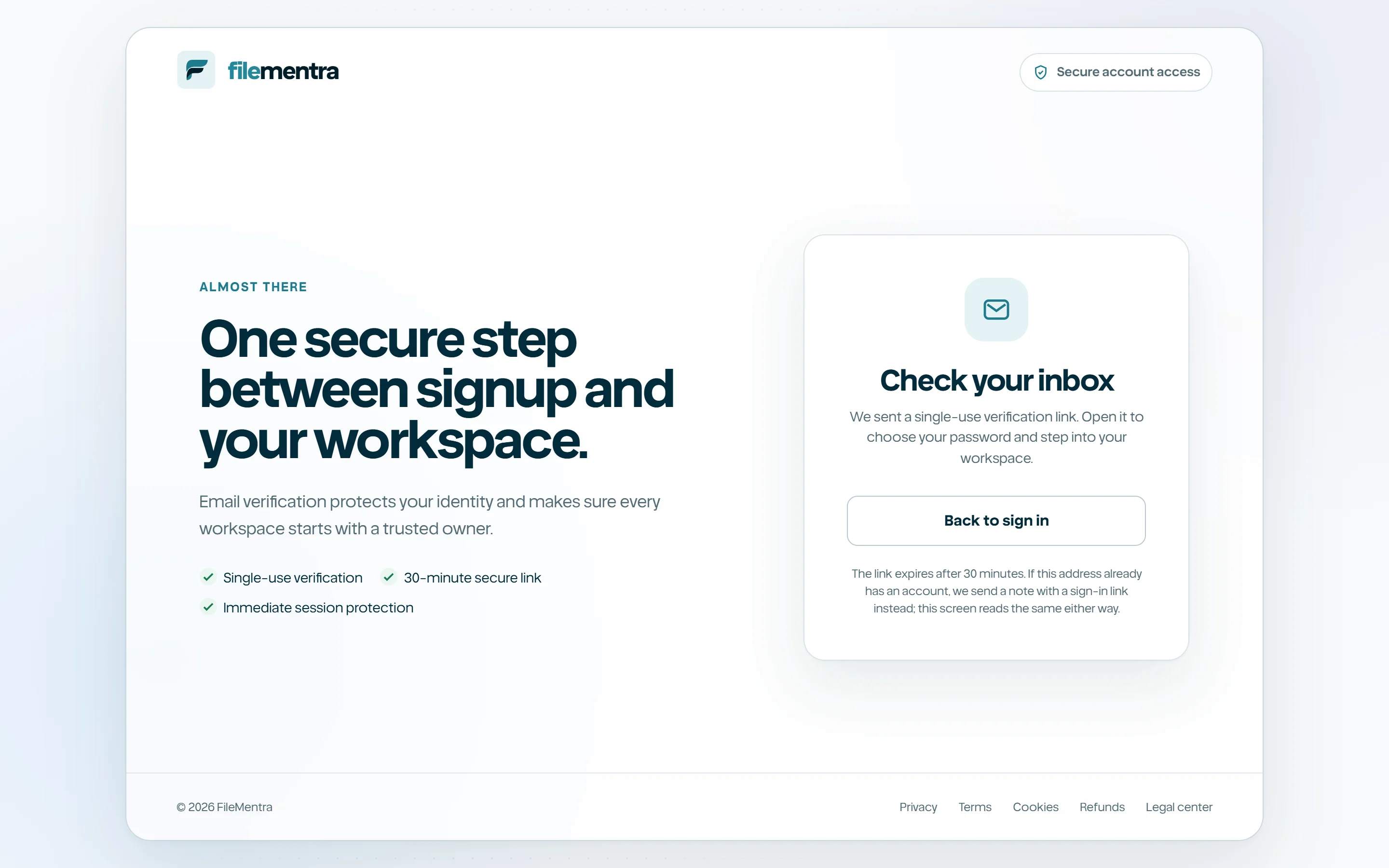
Create and verify an account
Register a workspace identity, verify the email address, and enter FileMentra safely.
Register
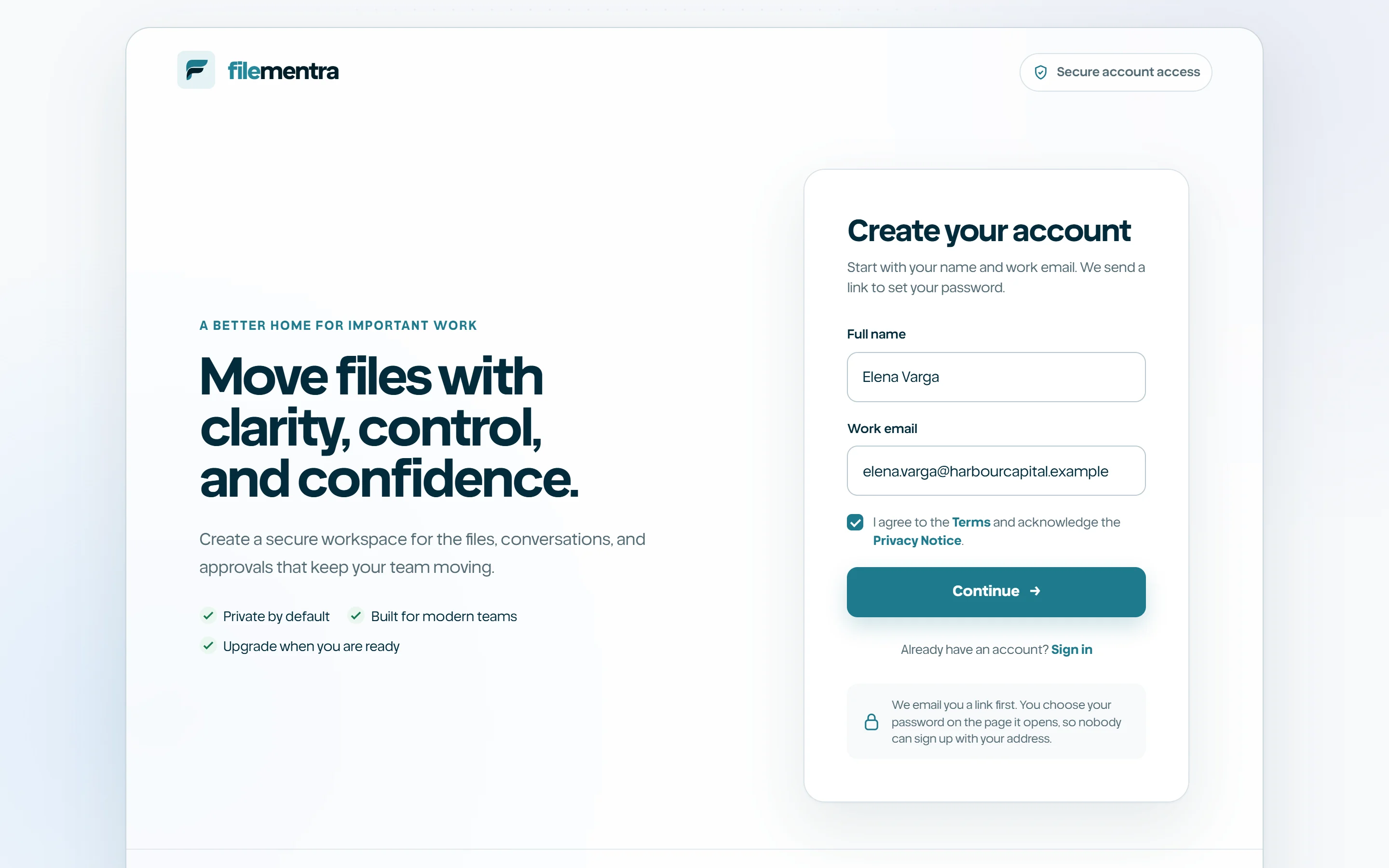
Open Register from the public landing page. Enter the requested identity fields, a valid email address, and a strong unique password. FileMentra creates a pending identity and sends a time-bounded verification message; an unverified identity cannot silently become a trusted workspace member.
- 1
Choose Create account.
- 2
Enter your name and work email.
- 3
Create a unique password and submit.
- 4
Keep the Check your email screen open or return after opening the message.
Verify the email address
Open the newest FileMentra verification message and use its button once. Verification tokens are one-time credentials and may expire. If the link is no longer valid, restart the registration or verification flow rather than forwarding the original URL.
- Never share a verification URL.
- Check spam and corporate quarantine folders if the email is delayed.
- Use the newest message when multiple verification emails exist.