Upload and secure processing
Understand hashing, multipart transfer, quarantine, scanning, and availability.
Start an upload
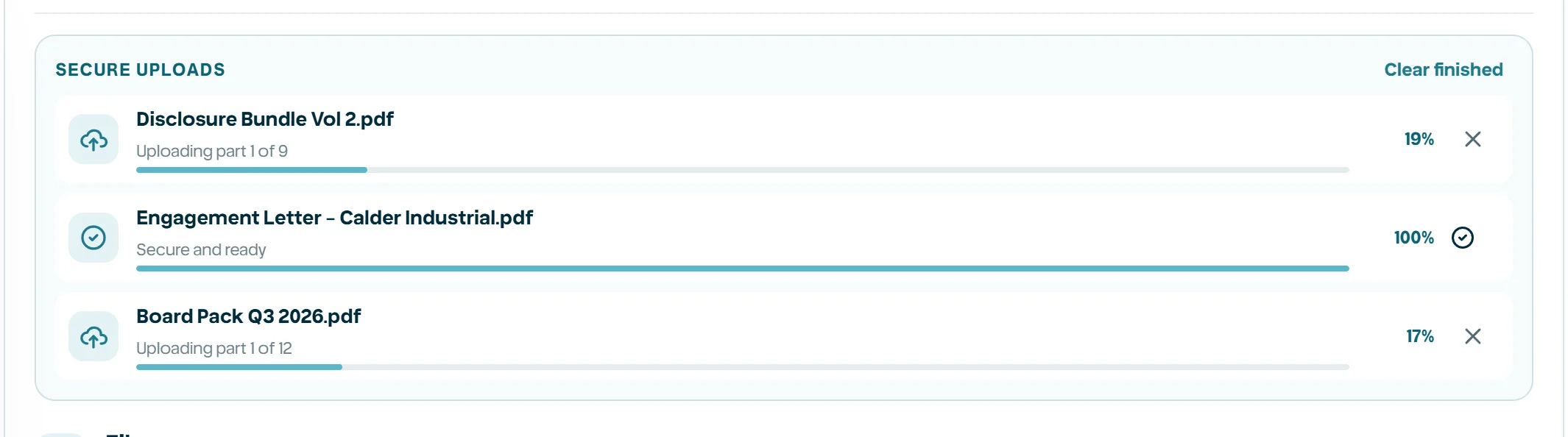
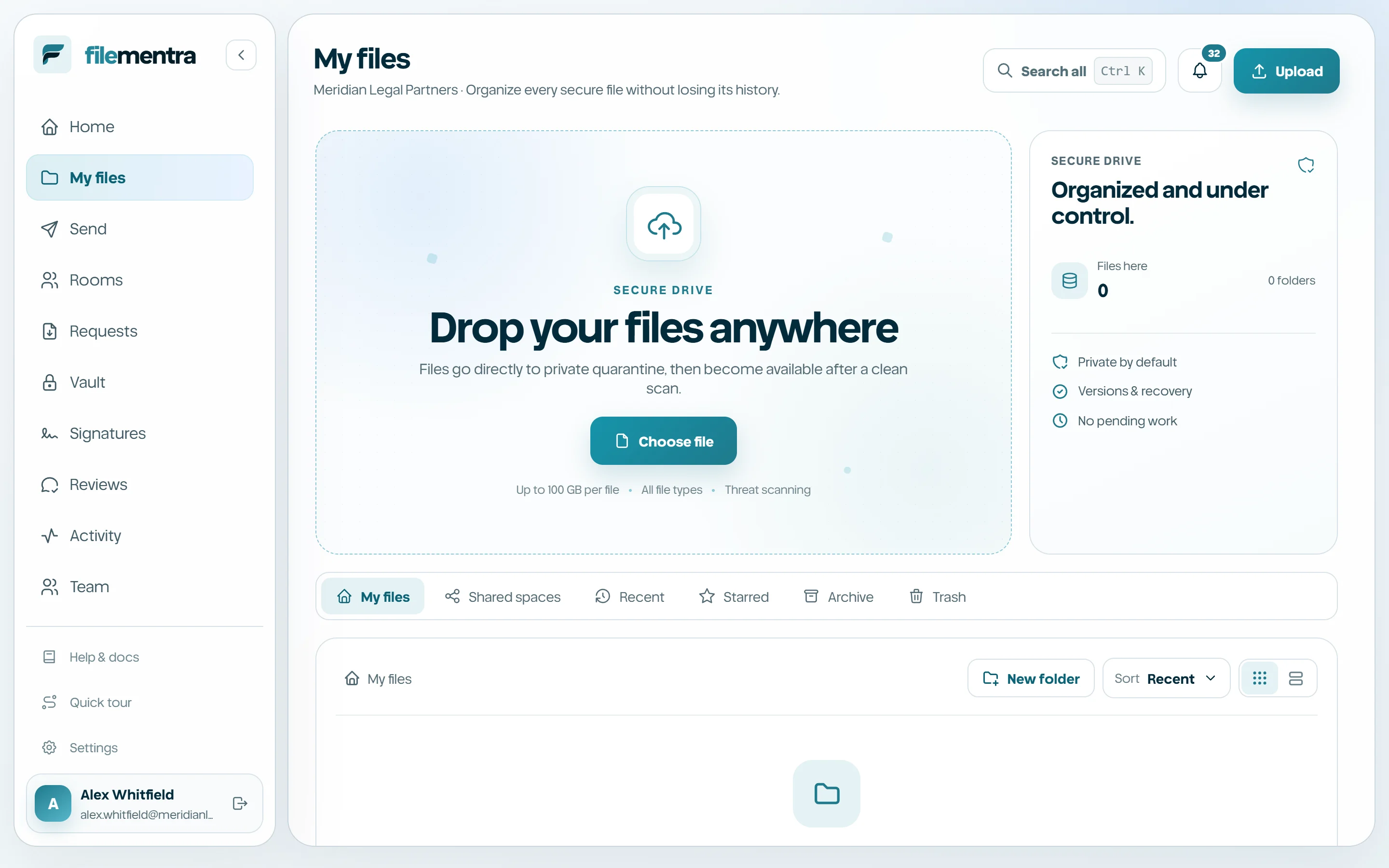
Upload from Home or My files. FileMentra records the file name as metadata but stores bytes under an opaque system key. Larger uploads use multipart transfer, allowing bounded retries without making a public bucket or permanent file URL.
- 1
Open the intended folder before uploading when location matters.
- 2
Choose or drop files.
- 3
Leave the tab open during browser transfer.
- 4
Confirm the final location and version after processing.
Wait for quarantine processing
A completed browser transfer is not immediately an available file. The worker checks declared size and checksum, validates the detected content signature, streams the object through malware scanning, and promotes only clean bytes into private storage.
- Processing is fail-closed.
- A rejected object cannot be downloaded through normal file routes.
- A retry creates a controlled new upload session.
- Contact support when repeated known-safe samples fail consistently.