Security and troubleshooting
Resolve common upload, access, invitation, and processing problems without weakening controls.
Common problems
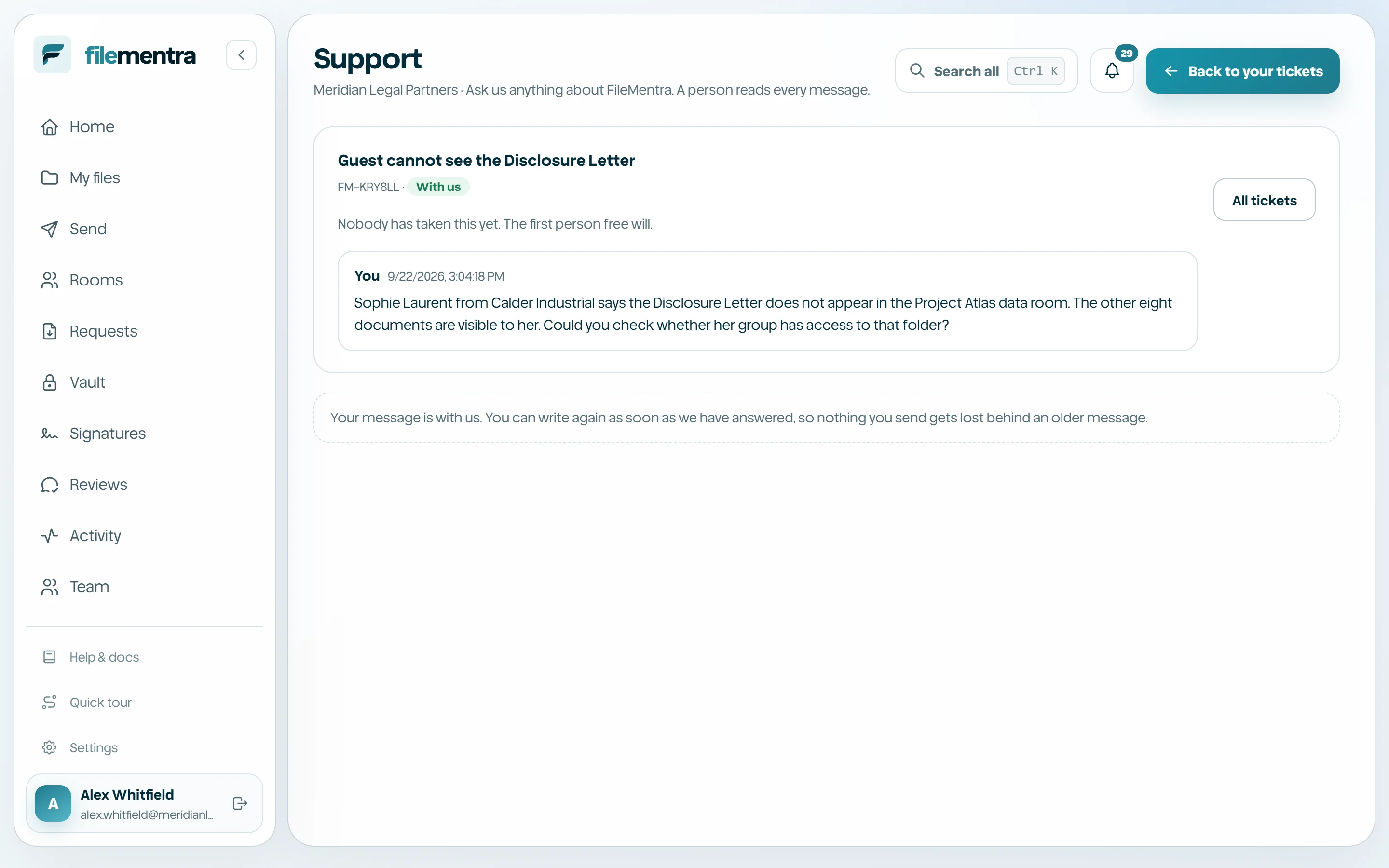
Most failures are caused by an expired credential, revoked membership, incomplete verification, unsupported/oversized content, interrupted transfer, or pending secure processing. Read the safe error message and retry only the failed stage.
- Cannot sign in: verify email, password, MFA time, and membership state.
- Upload failed: check size, network stability, and file integrity.
- File still processing: wait for the clean status; do not create repeated duplicates.
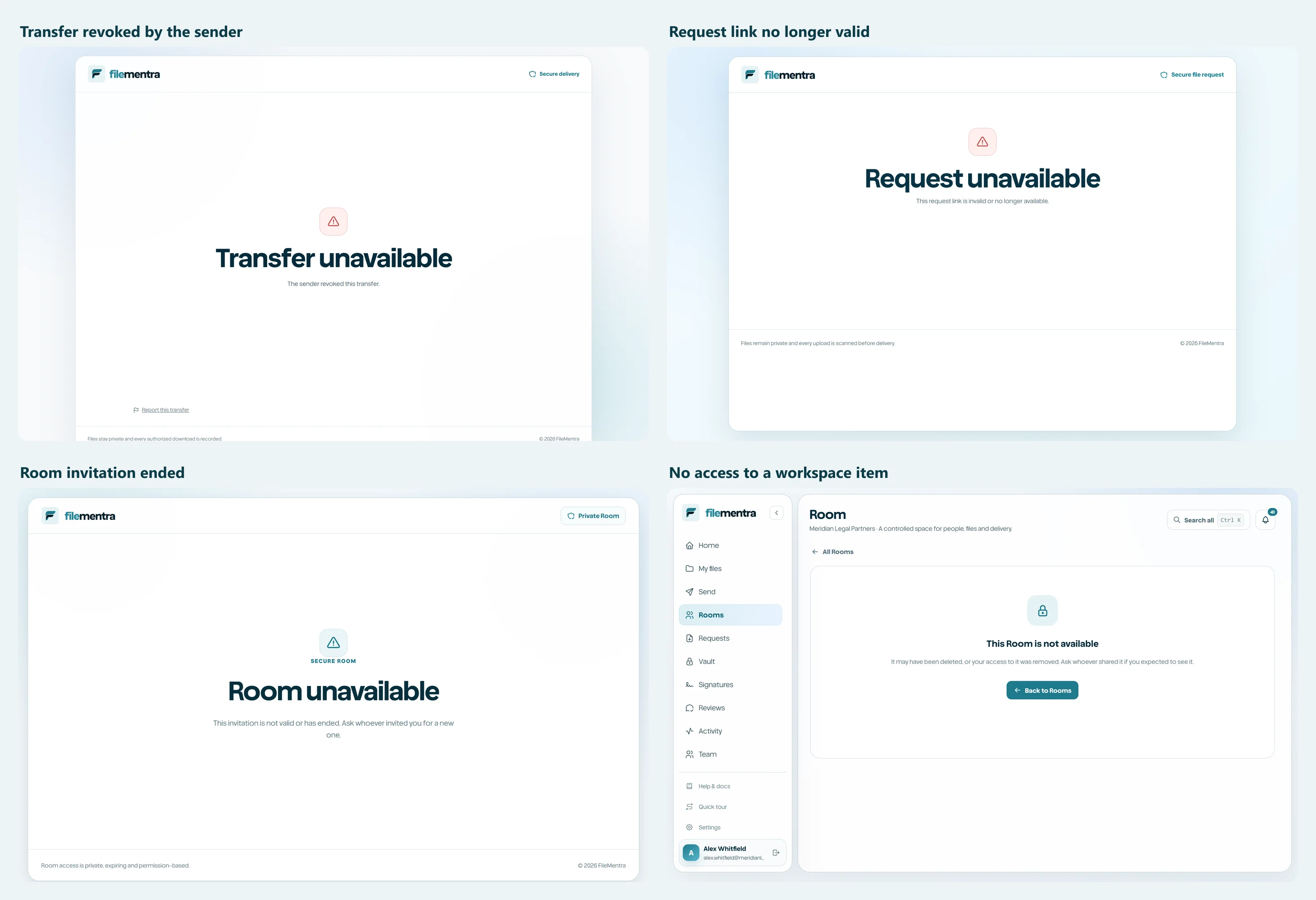
- Recipient link unavailable: ask the owner to inspect expiry/revocation and issue a new link.
- Missing feature: confirm role, resource grant, and plan entitlement.
- Unexpected access: revoke the relevant credential and notify the workspace security contact.
Collect safe support evidence
Record the time, page, visible correlation/reference id, browser, and non-sensitive steps. Screenshots must redact personal data, tokens, storage URLs, passwords, MFA codes, recovery codes, and confidential filenames unless an approved secure support channel explicitly requires them.
- 1
Reproduce once without exposing more data.
- 2
Capture the safe message and timestamp.
- 3
Copy a correlation/reference id if displayed.
- 4
Describe expected versus actual behavior.
- 5
Send through the approved support route.