Room templates, automation, domains, analytics, and export
Use advanced Room capabilities while preserving access and visibility boundaries.
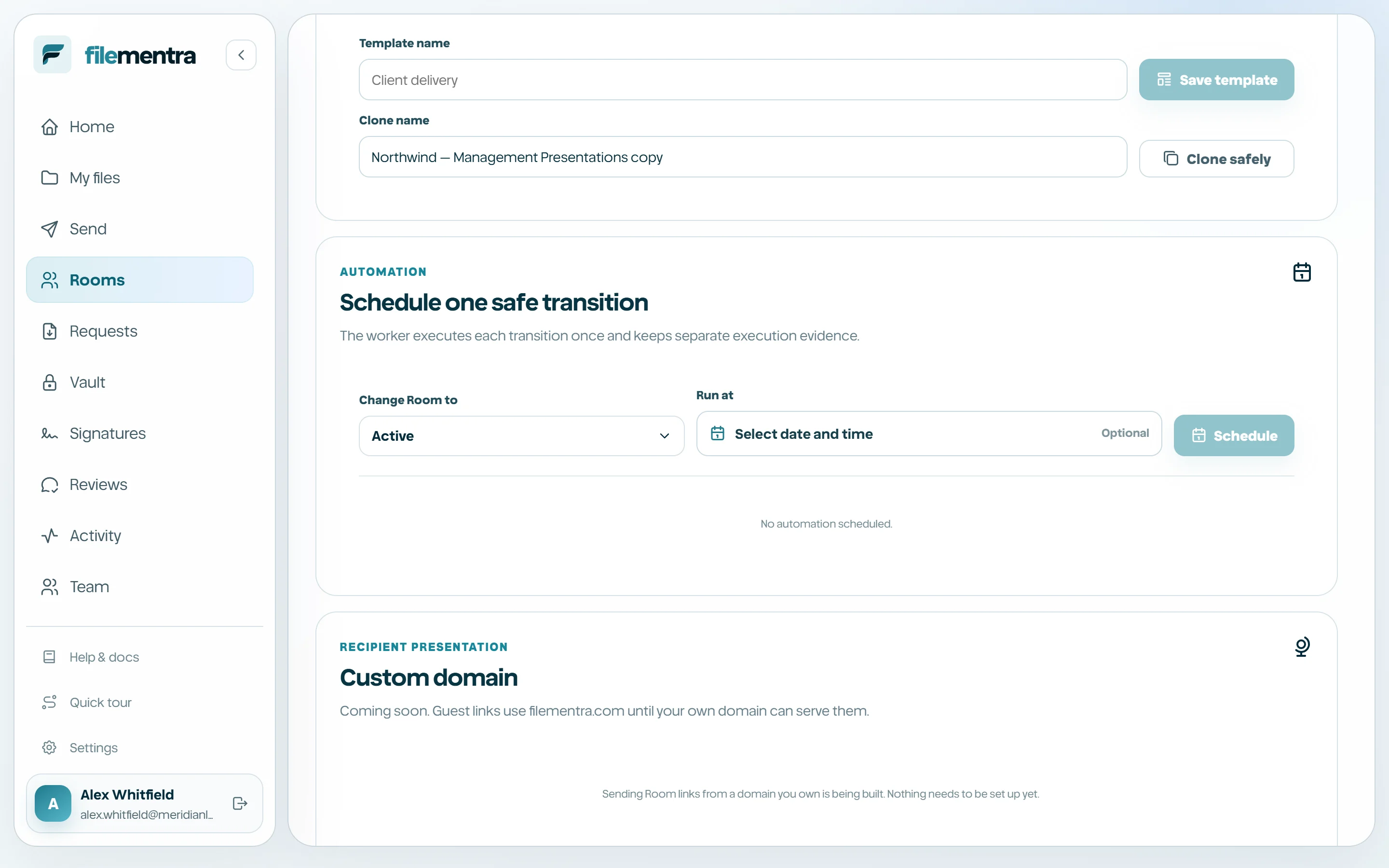
Templates and safe cloning
Save reusable Room policy as a template or instantiate a draft from an existing template. Safe cloning copies policy and available content references but deliberately excludes members, guests, invitation tokens, messages, activity, and recipient analytics.
- 1
Open Room advanced settings.
- 2
Save an approved configuration as a template or choose Clone.
- 3
Name the new draft.
- 4
Review every content reference and visibility flag.
- 5
Add people and invitations from scratch.
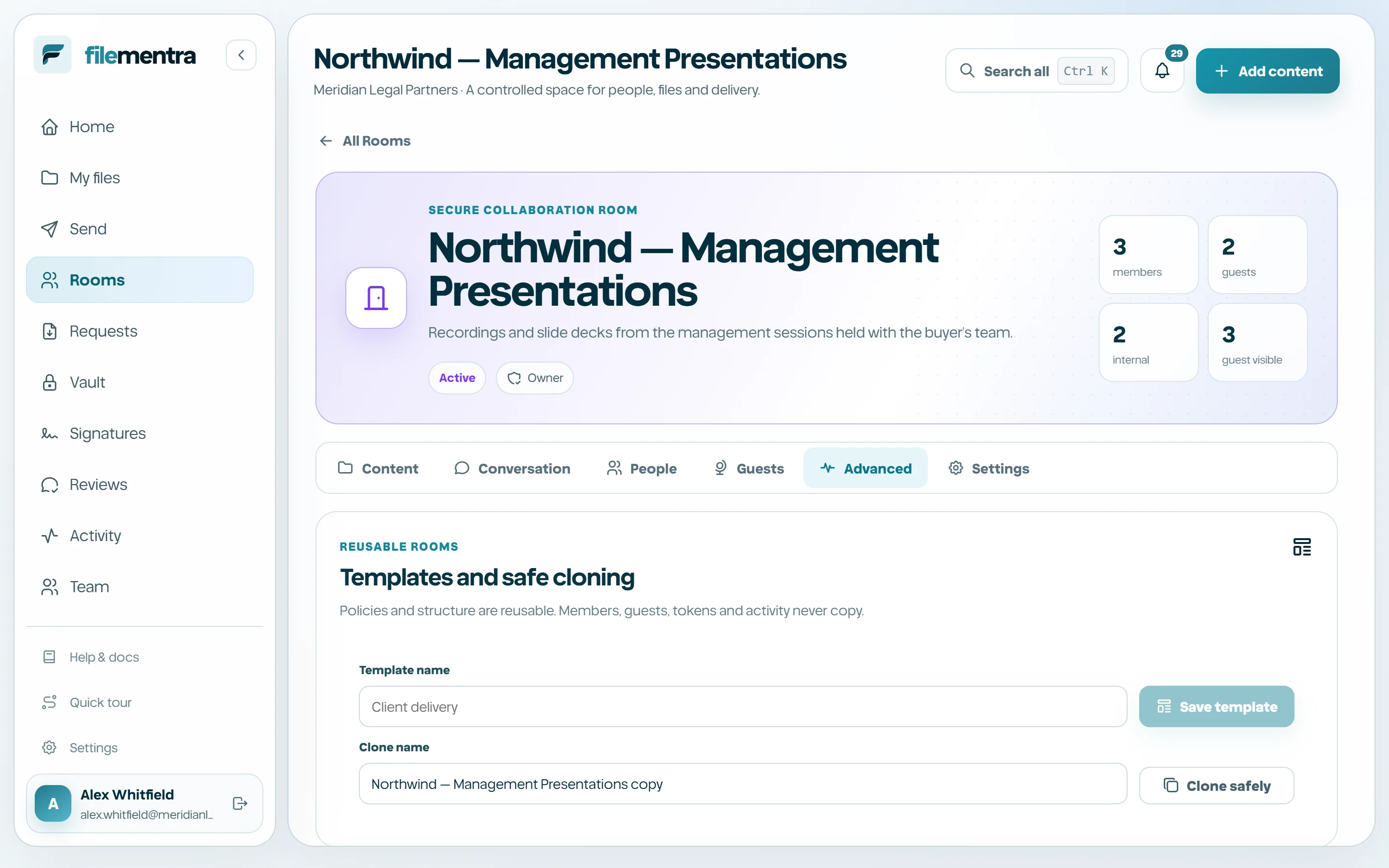
Schedule activation or archival
Automation schedules one lifecycle action for a future date. A dedicated worker claims due jobs idempotently, records the run, and appends audit evidence. The schedule does not bypass Room permissions or legal restrictions.
Domains, analytics, and record export
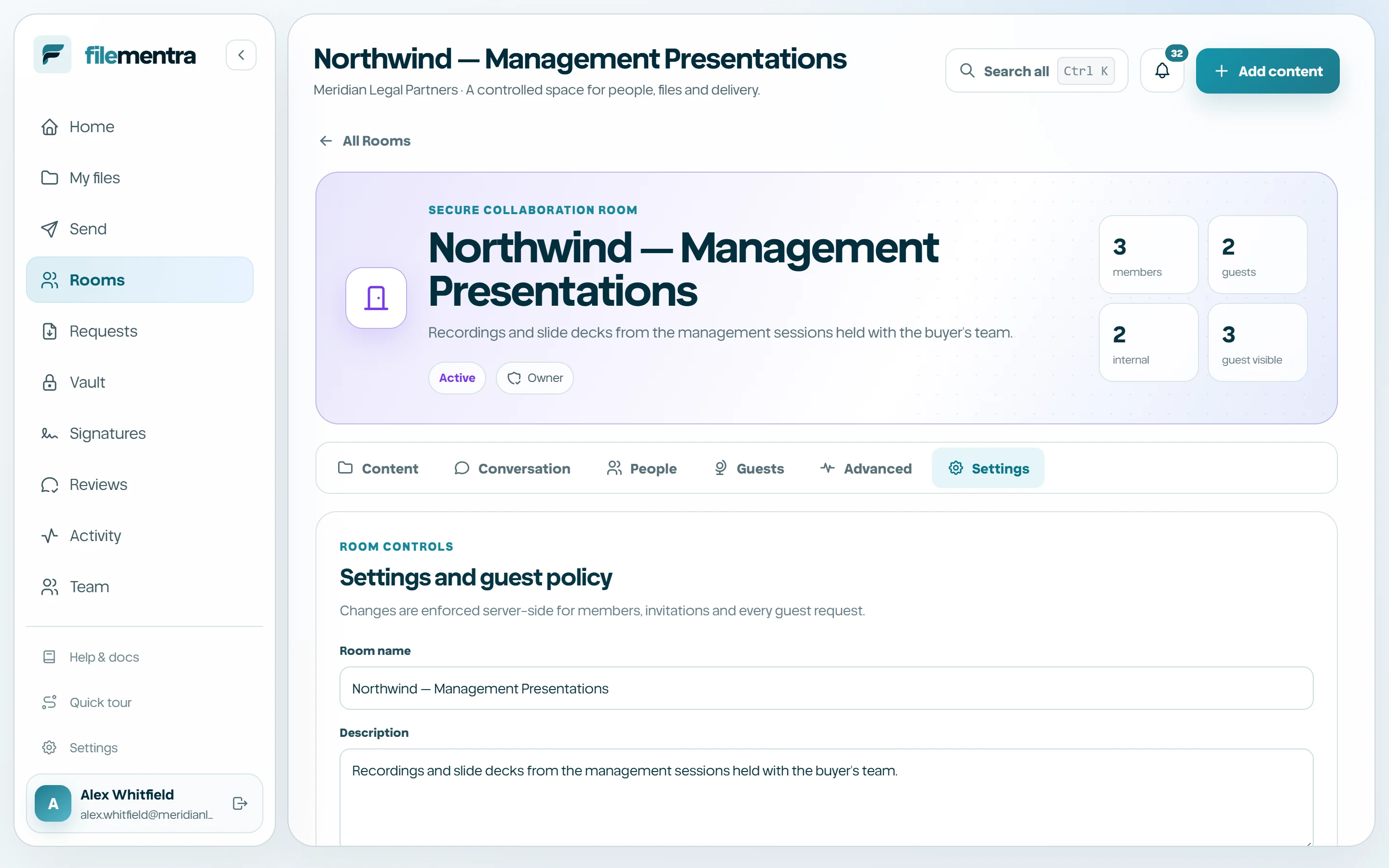
Custom domains for guest links are in preparation; until they are live, every guest link uses filementra.com. Aggregate recipient analytics expose permitted recipient events without revealing internal message/content activity. Manager-only JSON export records configuration, content, participants, discussion, audit events, and automation receipts while excluding raw tokens and storage keys.
- Treat analytics as operational signals, not legal proof of comprehension.
- Store exports as sensitive records.
- Re-export after important lifecycle changes when a fresh record is required.