Team members, invitations, and roles
Invite people, assign workspace roles, suspend access, and understand role boundaries.
Invite a workspace member
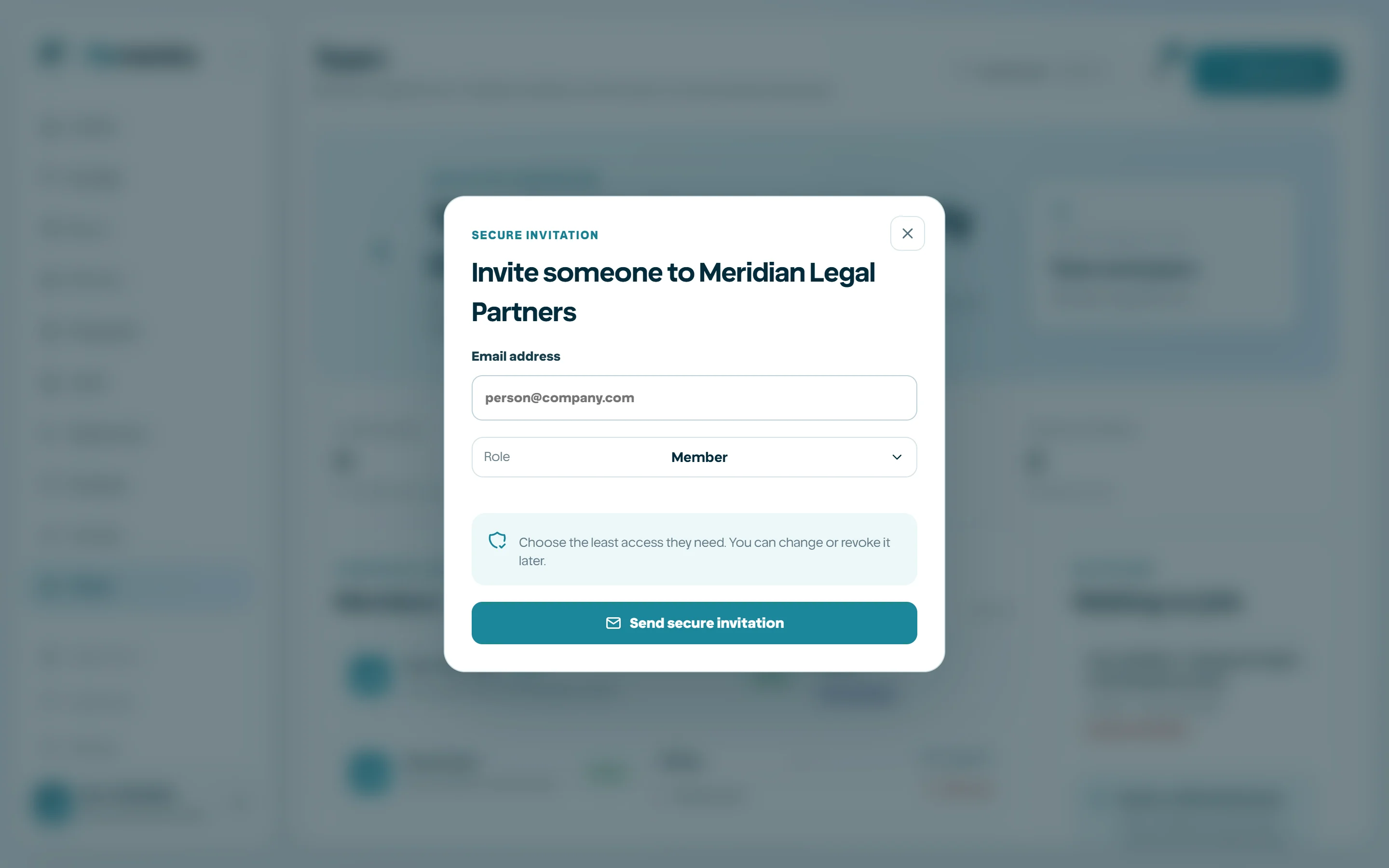
Open Team and choose Invite person. Enter the intended email and select the least-privilege initial role. The invitation link is a credential and should be sent only to the intended person.
- 1
Verify the email address with the business owner.
- 2
Choose the role.
- 3
Create and send the invitation.
- 4
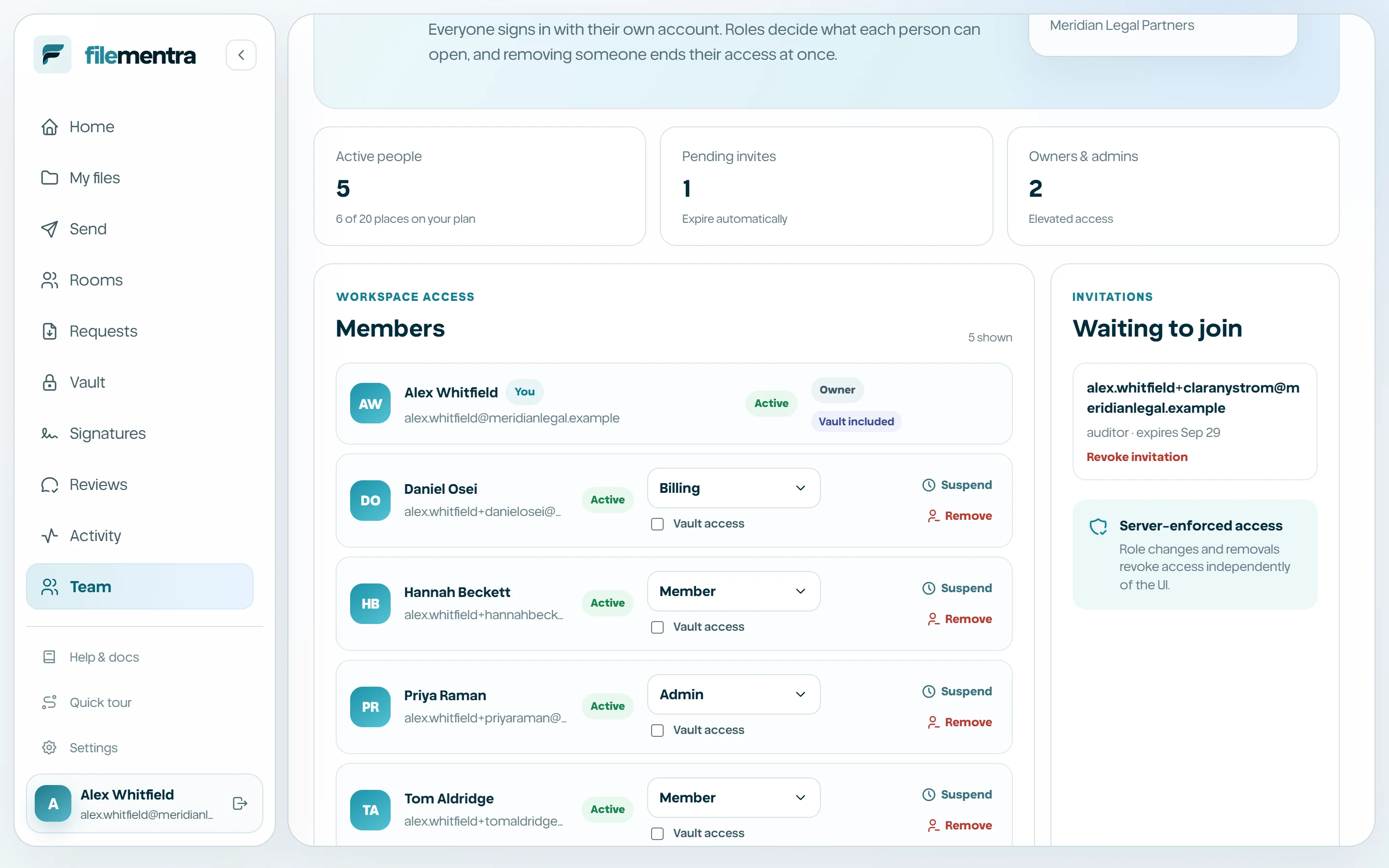
Monitor pending invitations.
- 5
Revoke stale or misdirected invitations.
Understand workspace roles
Owner controls the workspace. Admin manages broad workspace operations. Member performs normal assigned work. Billing focuses on subscription management. Auditor receives read-oriented evidence access. Guest is deliberately restricted. Fine-grained permissions and resource grants remain authoritative where a role alone is insufficient.
Suspend or remove access
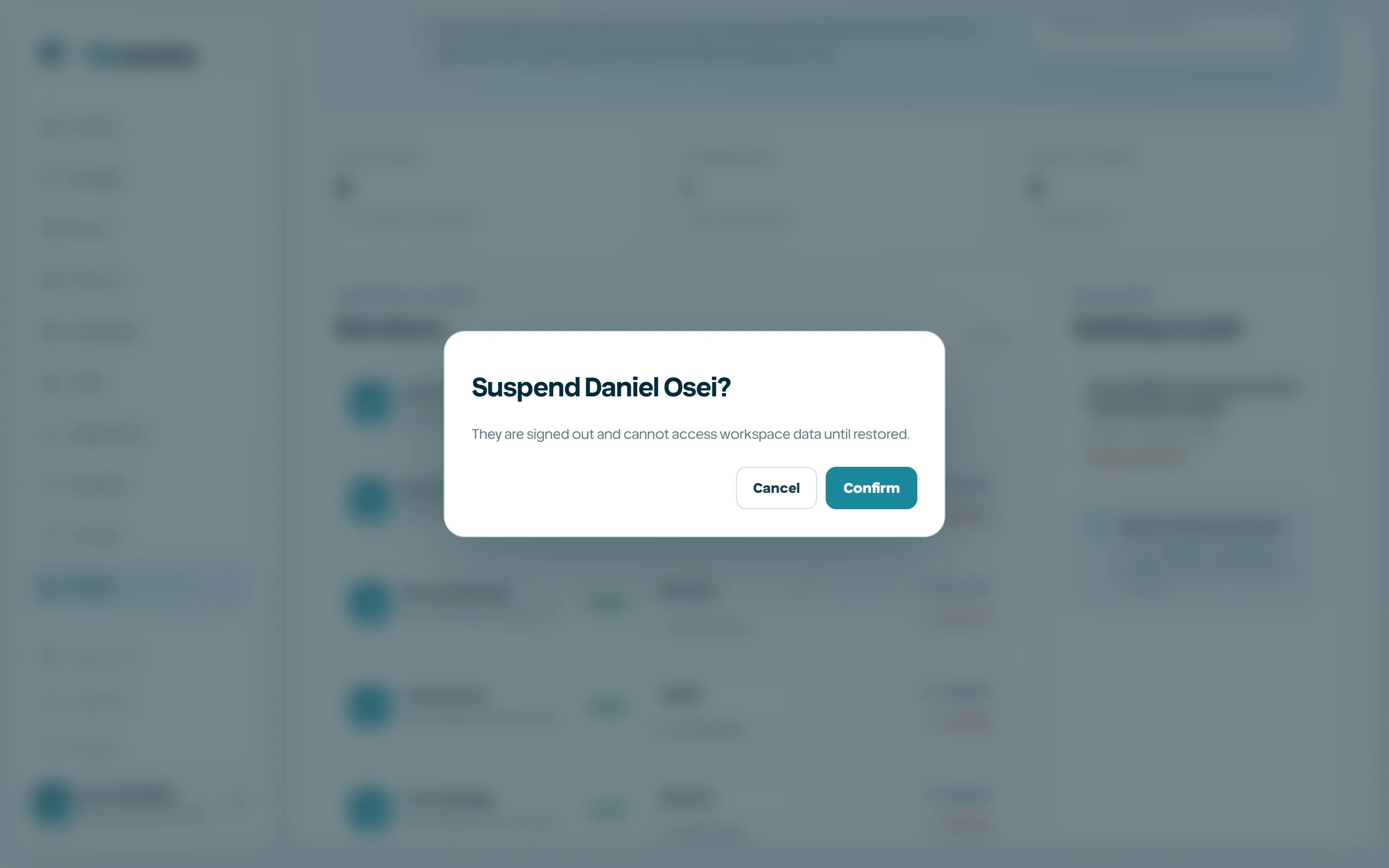
Suspension blocks active use while preserving the member record. Removal ends membership and may require ownership reassignment. Review owned files, Shared spaces, Rooms, pending work, and billing responsibility before removal.