
FileMentra documentation
Room conversation and presence
Use messages, threads, mentions, reactions, file context, typing, and read state.
Room participants 11 minUpdated Aug 18, 2026
Discuss work in context
Room conversation supports ordered durable messages, replies, mentions of active Room members, allowlisted reactions, and an optional reference to one Room item. Internal and guest-visible conversation remain separated.
- Reply to keep a thread attached to its parent.
- Mention only people who need action or awareness.
- Attach file context instead of pasting an unrelated link.
- Use reactions for lightweight acknowledgement.
- Choose external visibility deliberately when guests should see the message.
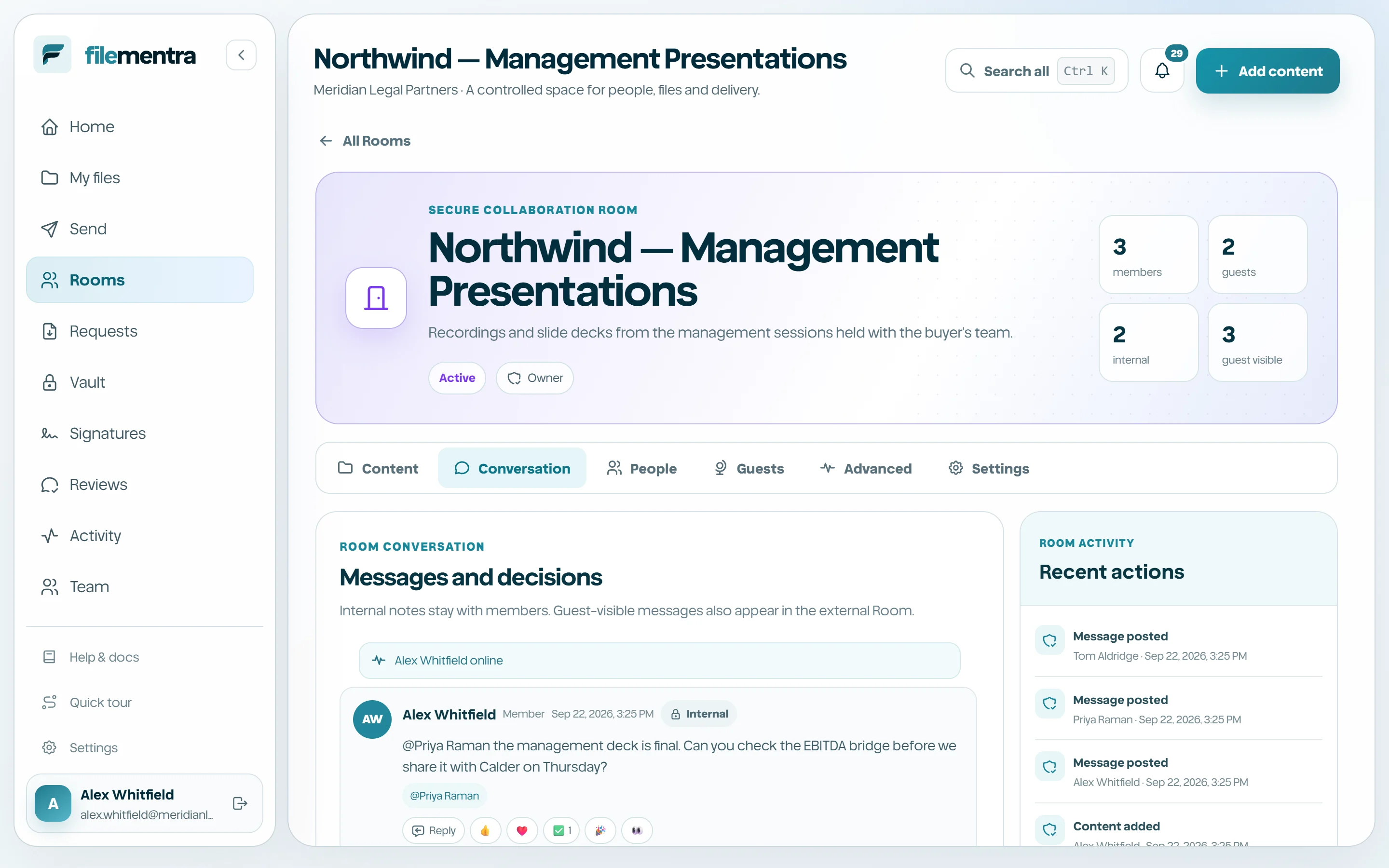
Presence, typing, and read state
Active members send Room-scoped heartbeats. Typing state, background refresh, reconnect catch-up, and read cursors provide a realtime-like experience without losing durable ordering. “Read by” is an aggregate application signal, not proof that a person understood the message.